


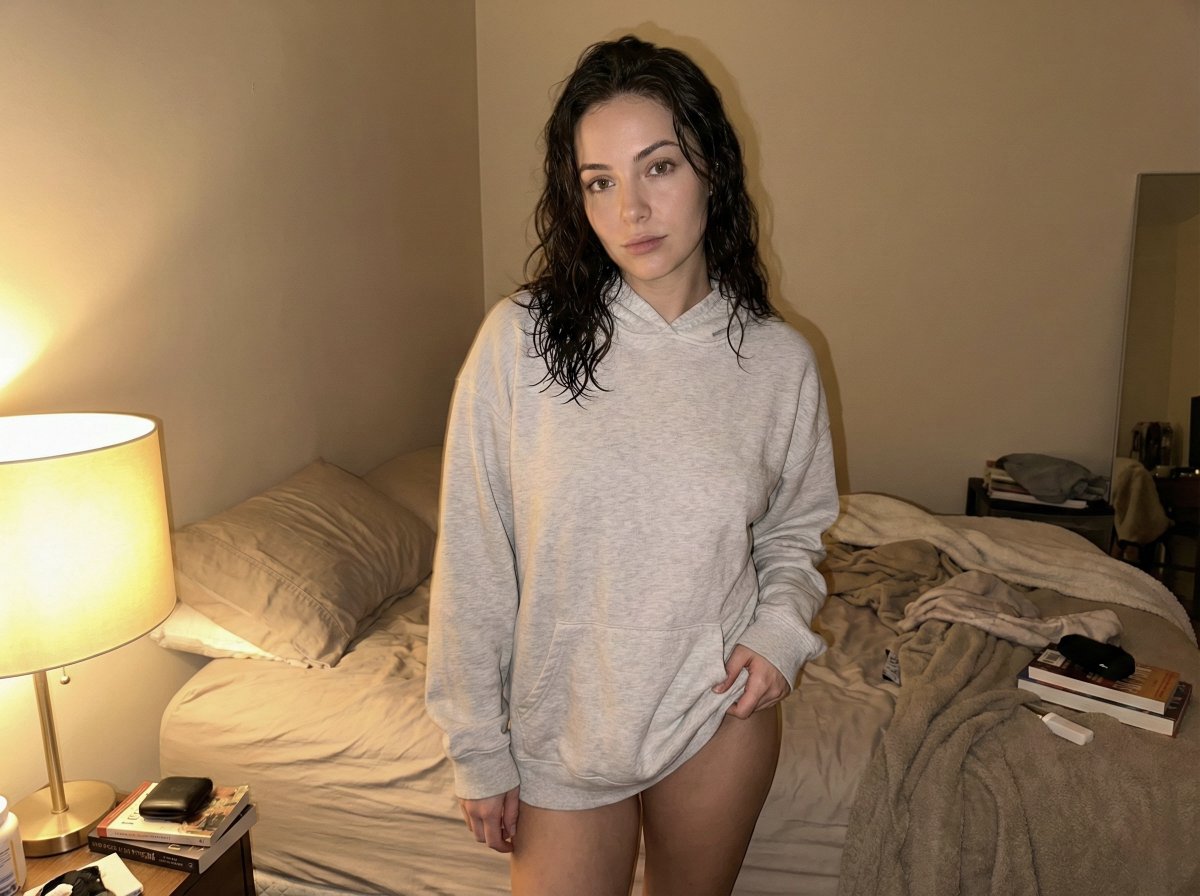
Sub-2s Rapid Output
Start with a short visual brief and use 1K drafts to compare different compositions before refining your favorite.
Try compositions, social visuals and concept drafts with Nano Banana 2 Lite. Start from a prompt or image, compare variations and refine the version you want to keep.
These examples are starting points, not promised outcomes. Bring your own subject and references, describe the change clearly and review the result before using it.
These examples are starting points, not promised outcomes. Bring your own subject and references, describe the change clearly and review the result before using it.
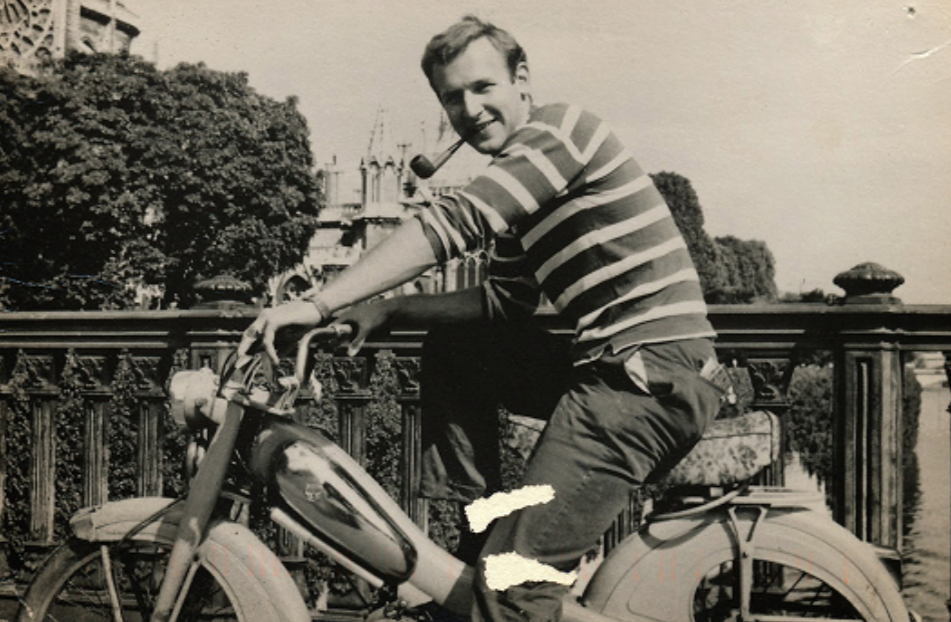 Input
Input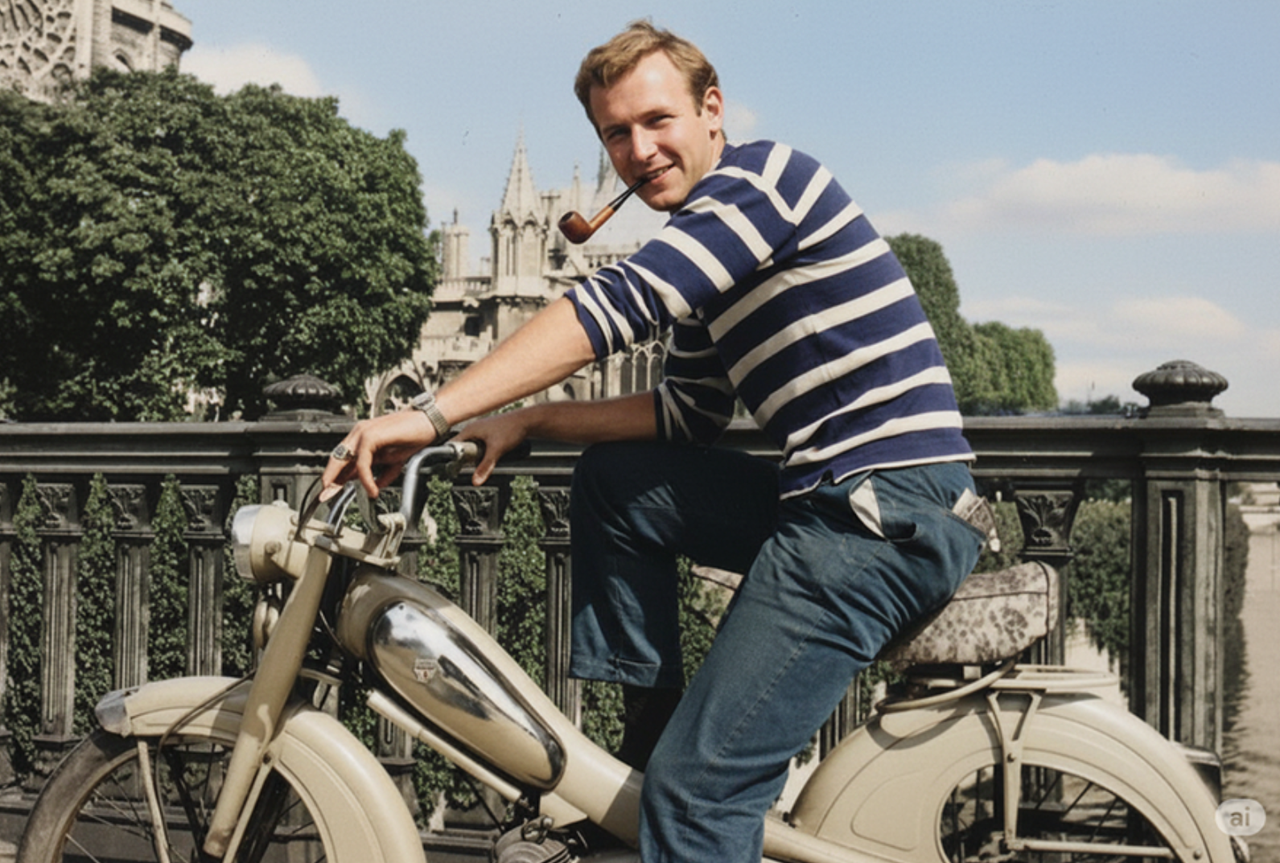 Result
An old photograph restored with natural color.
restore and colorize this photo.
Try compositions, social visuals and concept drafts with Nano Banana 2 Lite. Start from a prompt or image, compare variations and refine the version you want to keep.
Start with a short visual brief and use 1K drafts to compare different compositions before refining your favorite.
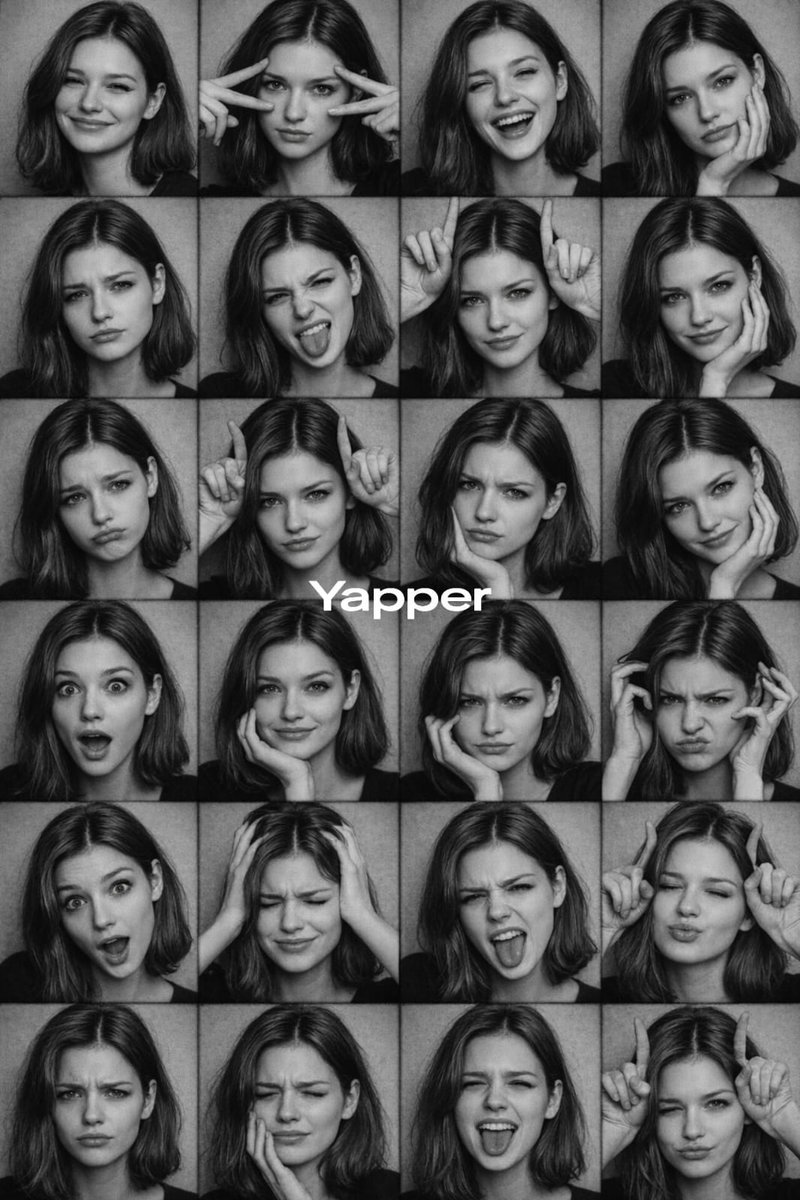
Describe a subject and its surroundings separately so each new version explores a clear creative direction.
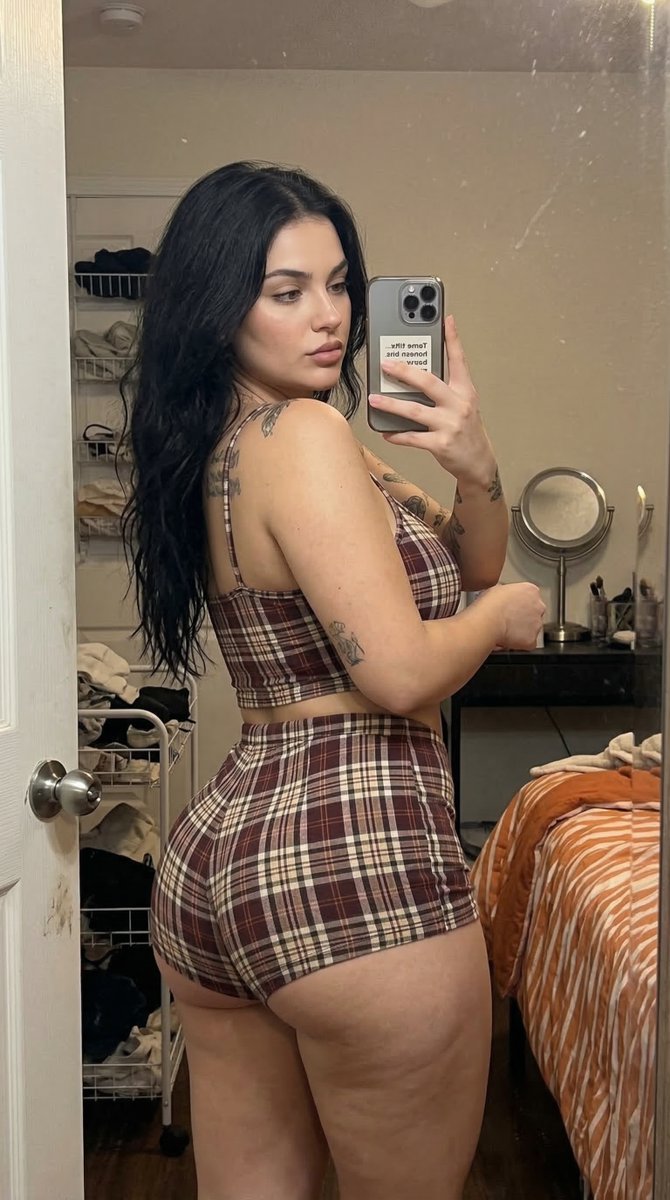
Use a reference image to guide an edit. List the elements to keep and the change you want to test.
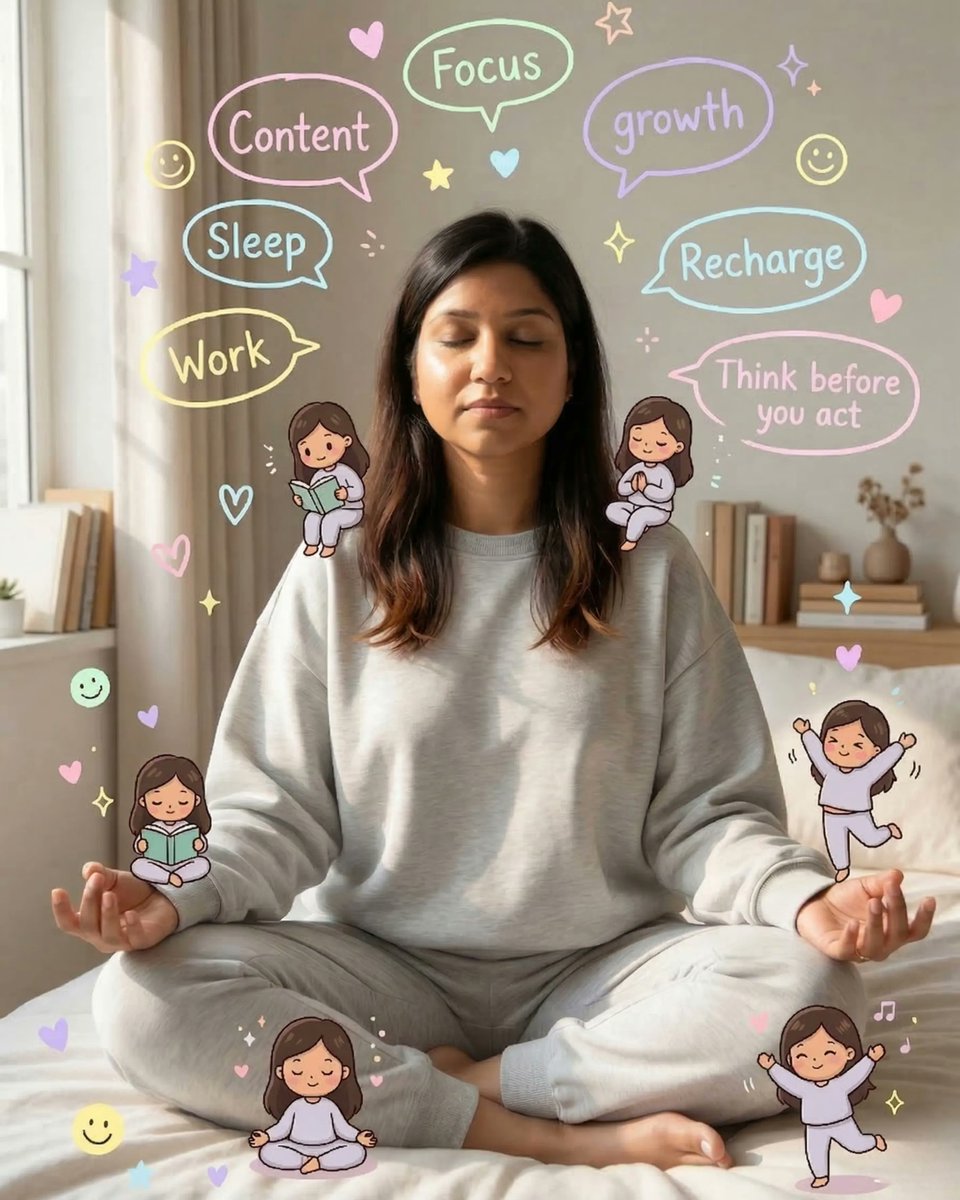
Explore portraits, outfits and backgrounds as separate variations rather than changing every instruction at once.
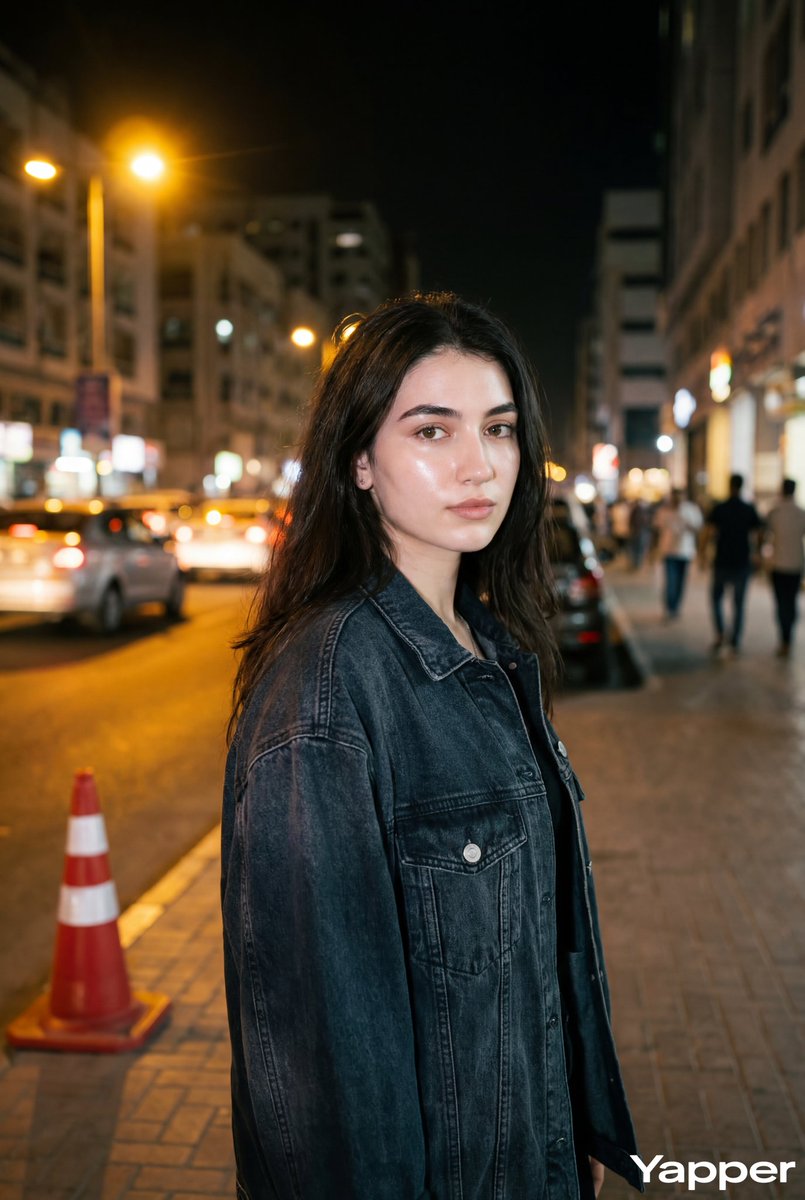
Try a few headline or layout ideas, then inspect the text and spacing in each image before using it.
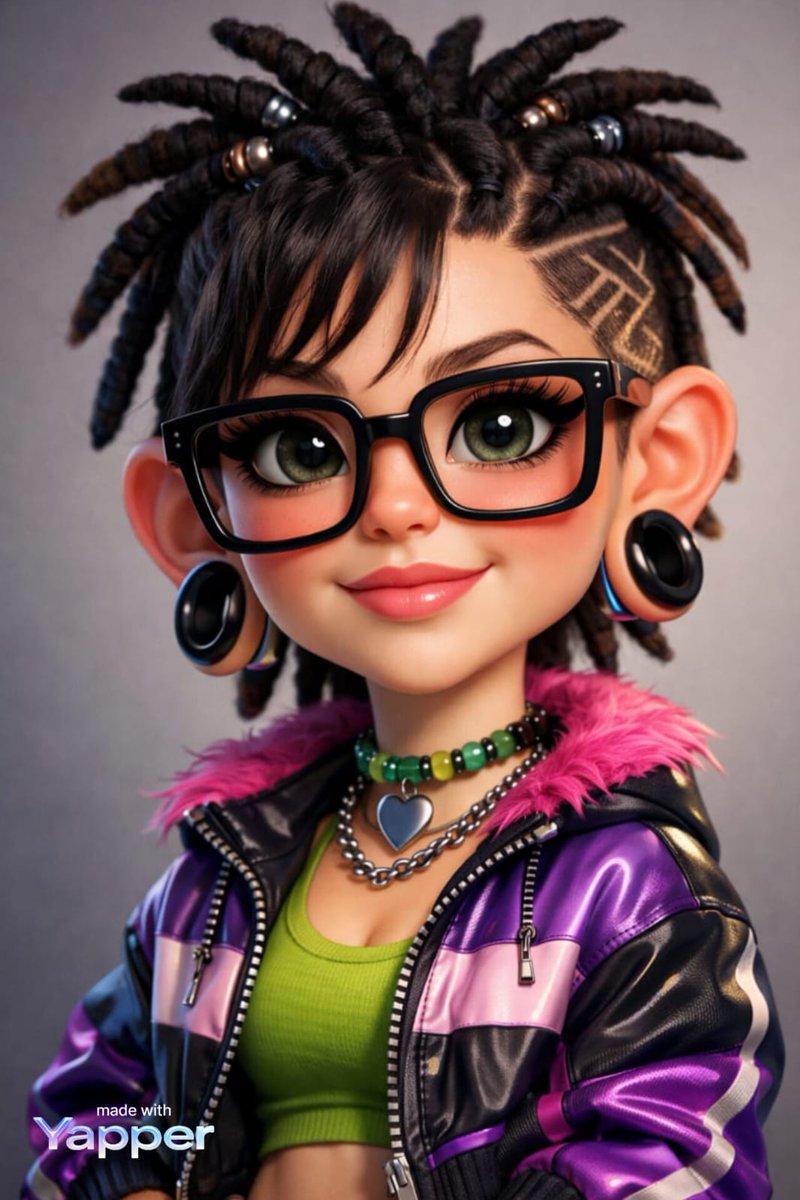
Create an initial product scene with a clear angle, surface and light direction. Refine the draft around your own reference.
These examples are starting points, not promised outcomes. Bring your own subject and references, describe the change clearly and review the result before using it.
Start with a short visual brief and use 1K drafts to compare different compositions before refining your favorite.
Test 2 Lite speed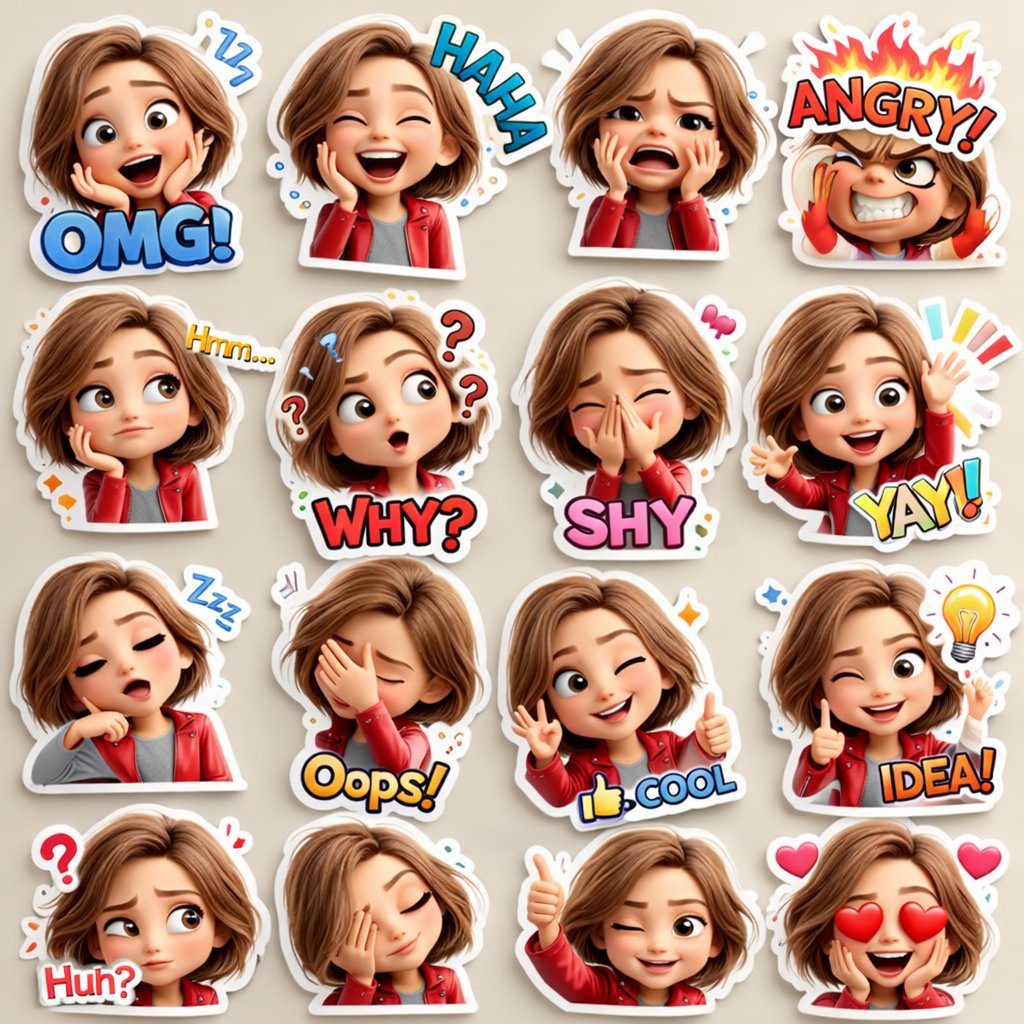
Use a reference image to guide an edit. List the elements to keep and the change you want to test.
Explore batch ideation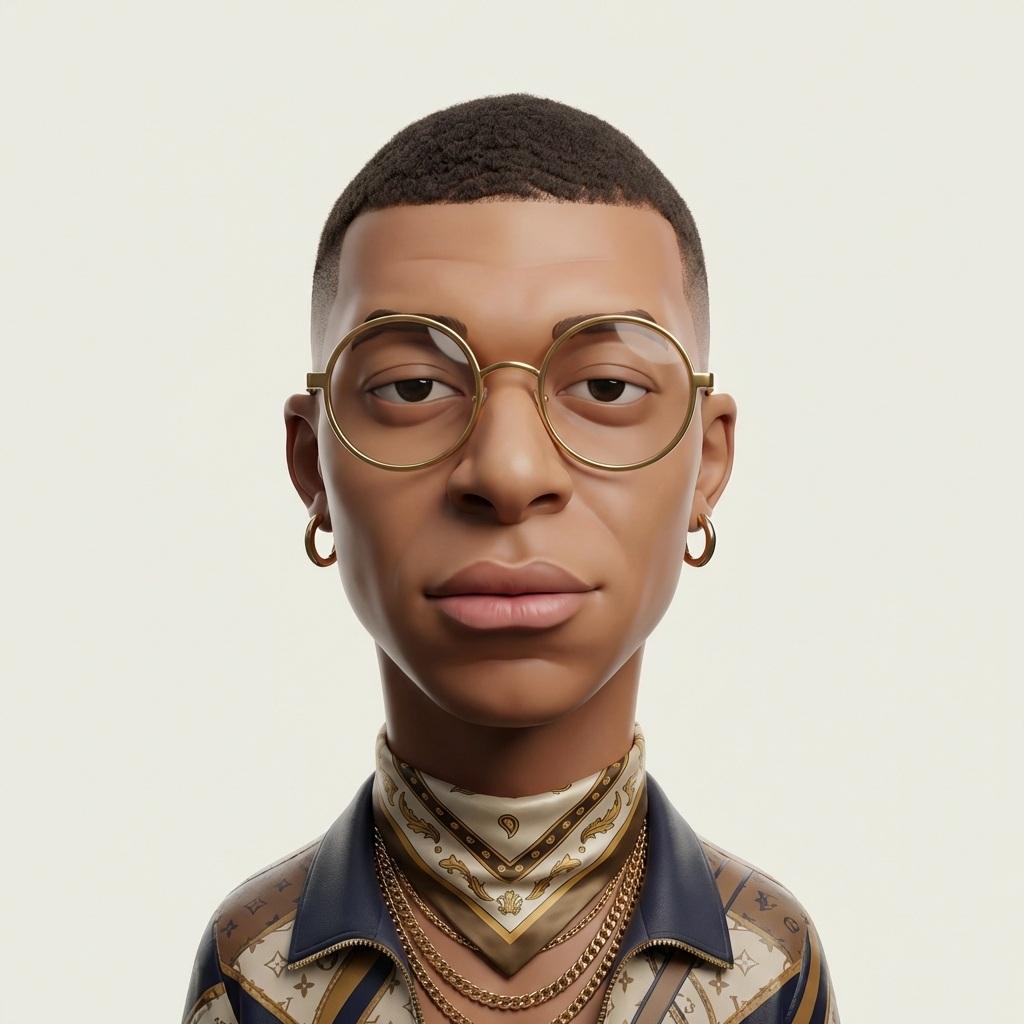
Create an initial product scene with a clear angle, surface and light direction. Refine the draft around your own reference.
Start quick edit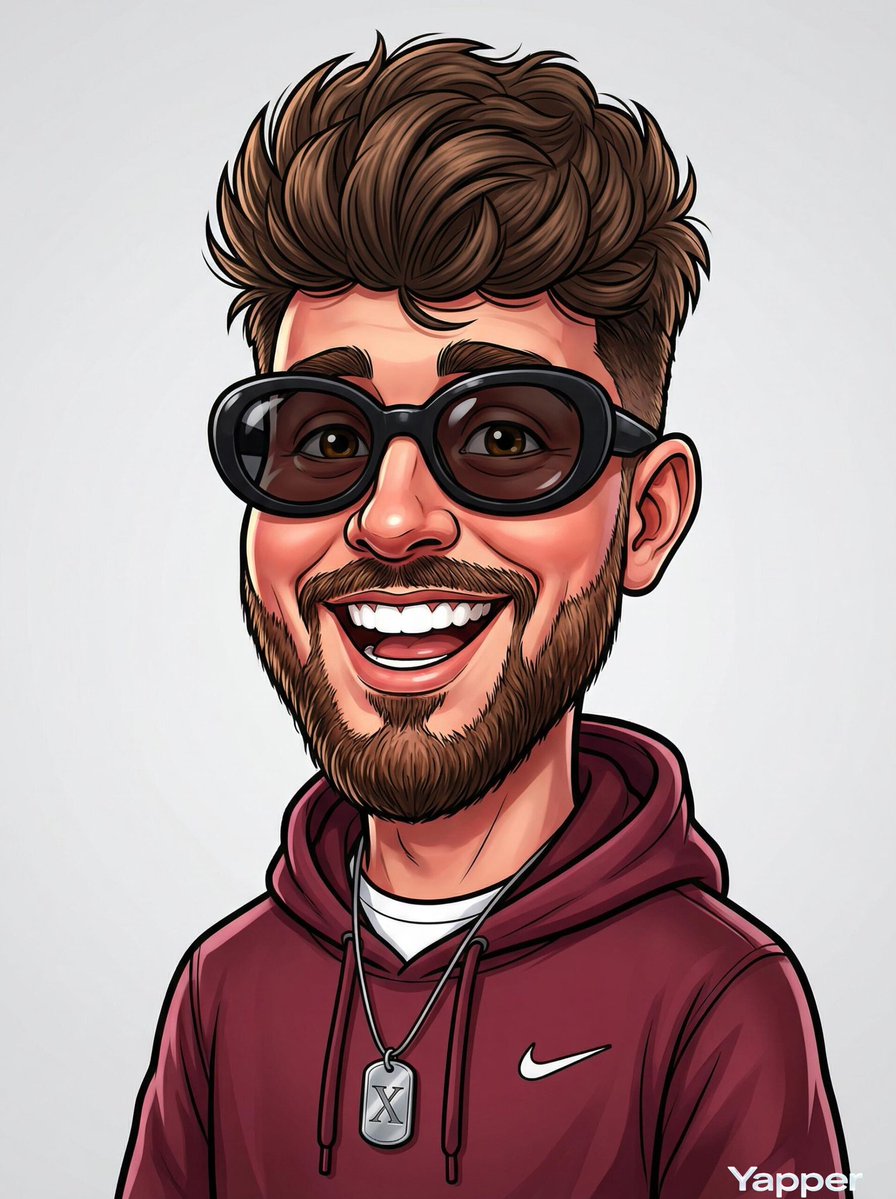
Plan the subject, lighting and composition before generating. Change one instruction at a time so you can compare versions and keep the details that matter.
Browse copy-ready prompts with high-res reference visuals across 10 creative categories.
Compare generation latency and efficiency against standard heavy diffusion engines.
Experience 2 Lite| Performance Metric | Nano Banana 2 Lite | Standard Heavy Engines |
|---|---|---|
| Generation Speed (Latency) | ✓ | 15–45s average |
| Credit & GPU Efficiency | ✓ | High resource intensity |
| Rapid Batch Iteration | ✓ | Slow queuing |
| Native 1K Social Output | ✓ | Requires manual cropping |
| Plain-Language Photo Edits | ✓ | Complex inpainting masks |
These examples are starting points, not promised outcomes. Bring your own subject and references, describe the change clearly and review the result before using it.
Drop in a photo to edit, or describe an image to generate from scratch directly in the generator.
Describe what to alter in plain English. No masks, layers, or complex control parameters.
The neural engine computes prompt intent and returns a photorealistic visual in seconds.
Ask for follow-up tweaks like "change background to dusk" or "swap jacket to denim" in continuous turns.
Export crisp high-resolution outputs directly into your creative pipeline or commercial workflow.
Google's Gemini Image model family delivers specialized variants designed for speed, cost efficiency, and flagship creative fidelity.
High-throughput, ultra-fast generation with minimal credit cost. Perfect for rapid prototyping and mass image generation.
Flagship generation with enhanced photorealism, refined skin textures, volumetric lighting, and intricate compositional balance.
Specialized multi-modal inpainting and reference-driven restyling. Keeps subject identity lock while executing pinpoint modifications.
High-precision creative tier with extended multimodal reasoning, fine typography rendering, and studio-grade resolution.
Targeted AI workflows powered by the underlying model engine.
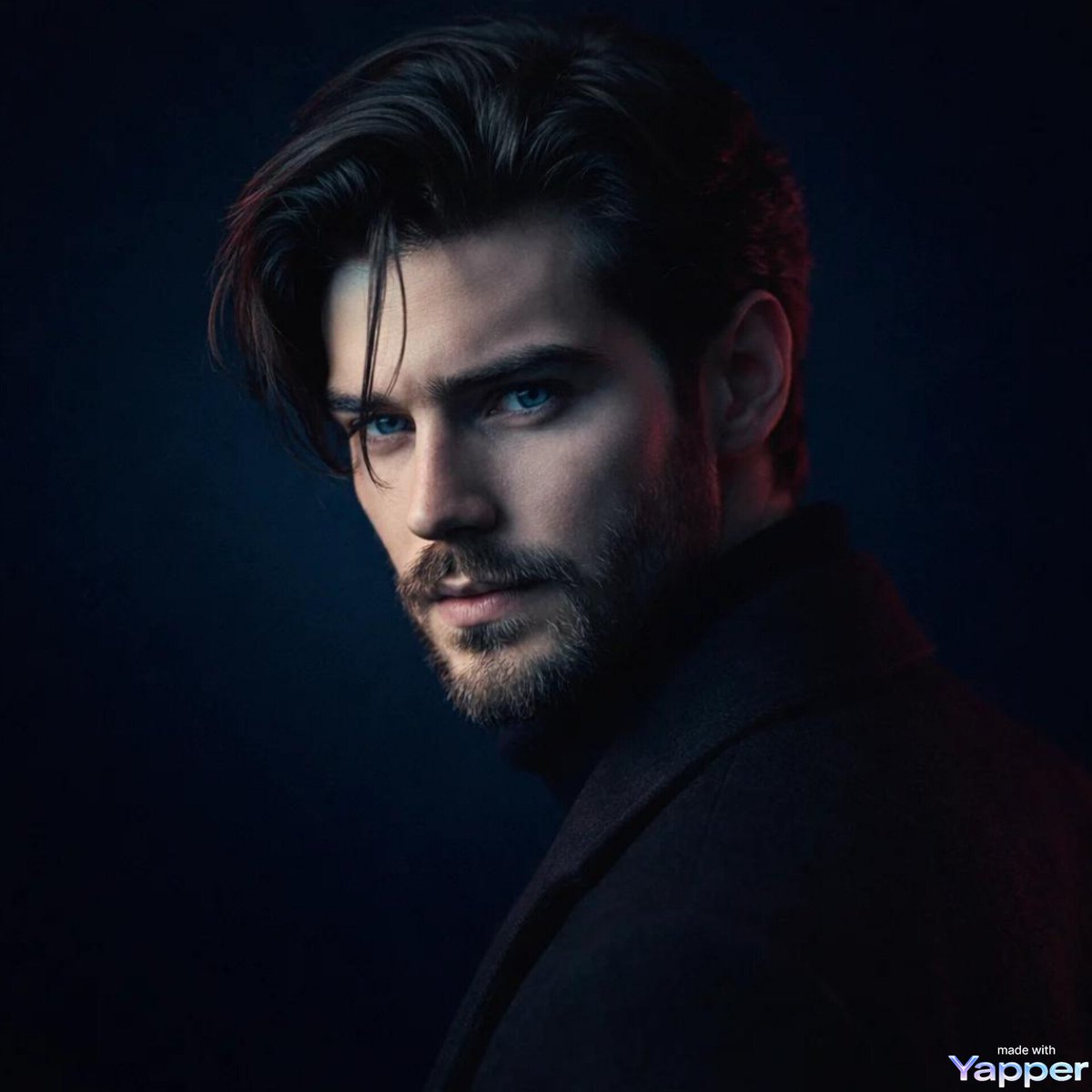
Create photorealistic images with our flagship nanobanana generator directly from natural-language prompts with complete control over ratios and styles.
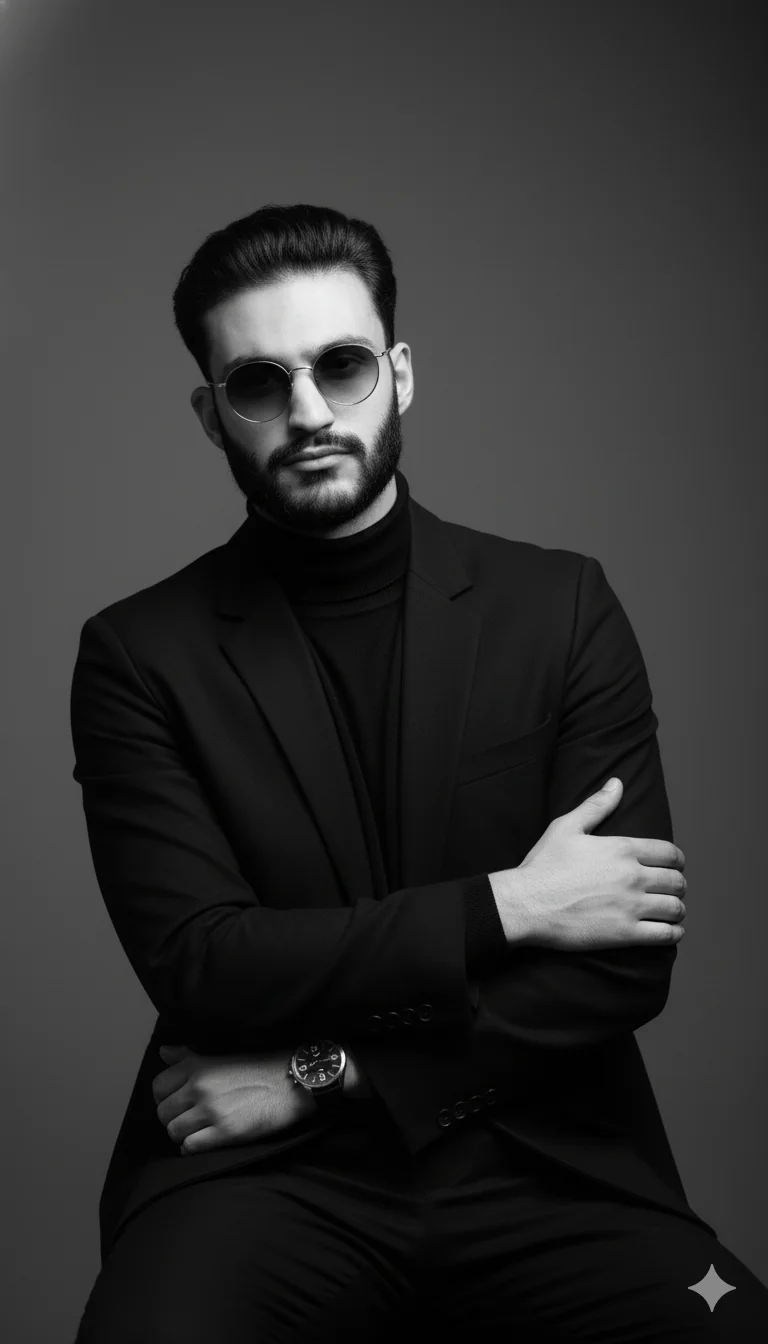
Upload reference photos and describe targeted adjustments without masking or layer selections.
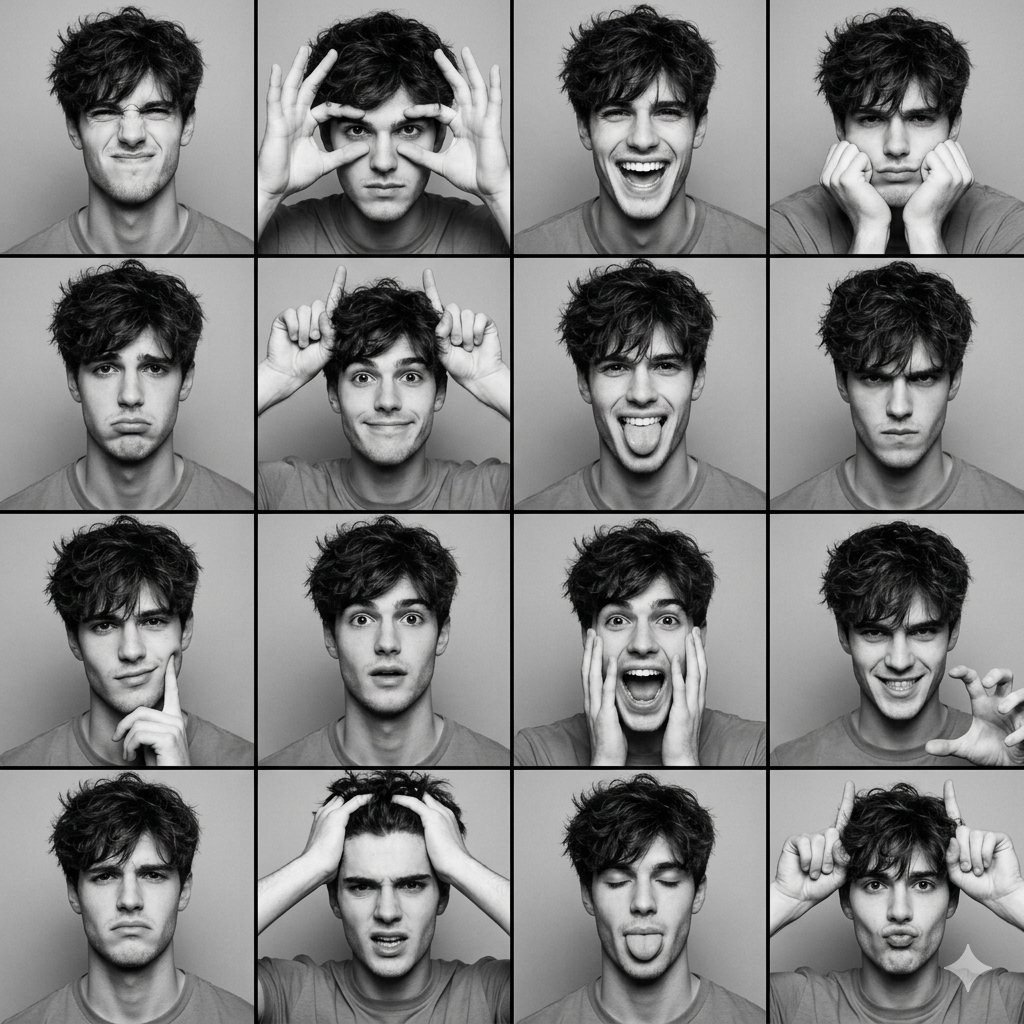
Keep the exact same face, hair, and clothing style across varied poses, scenes, and visual themes.
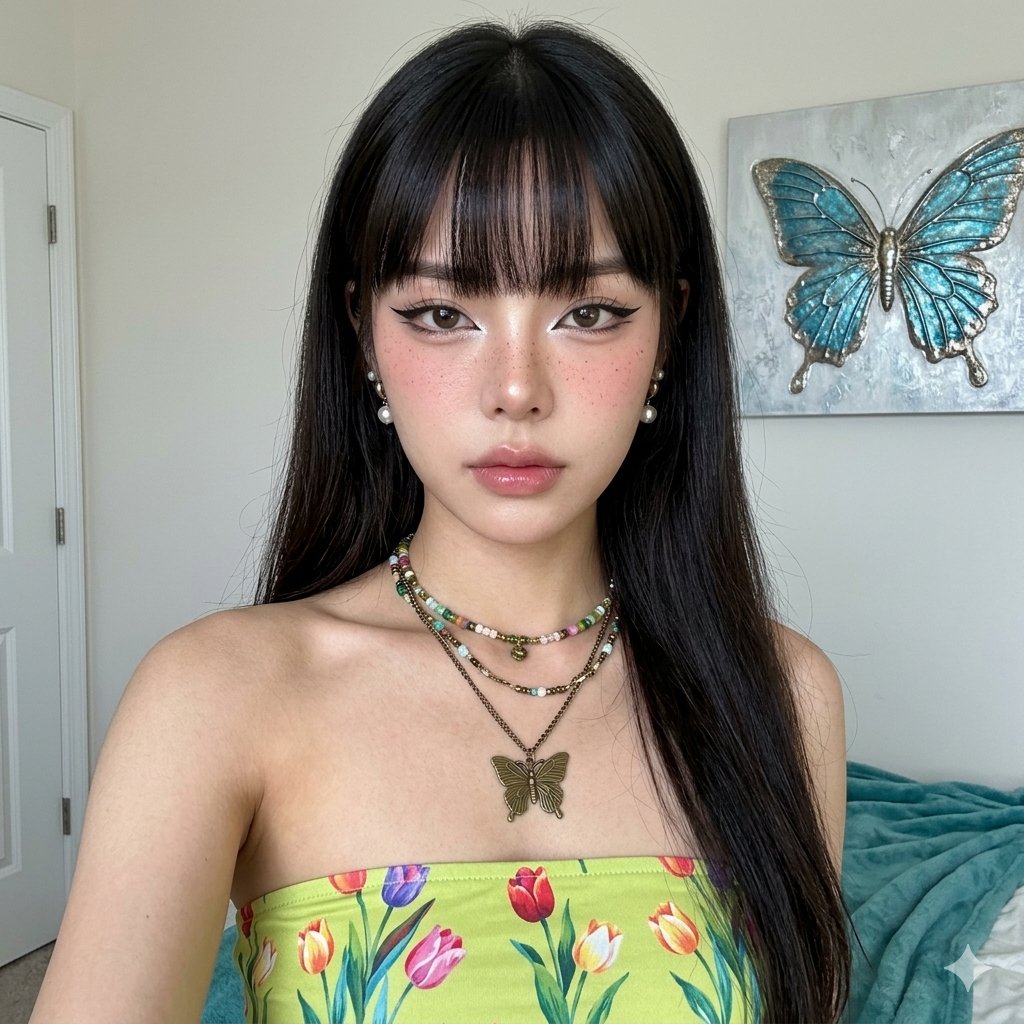
Swap streetwear, business suits, or formal attire on portraits while preserving facial features.
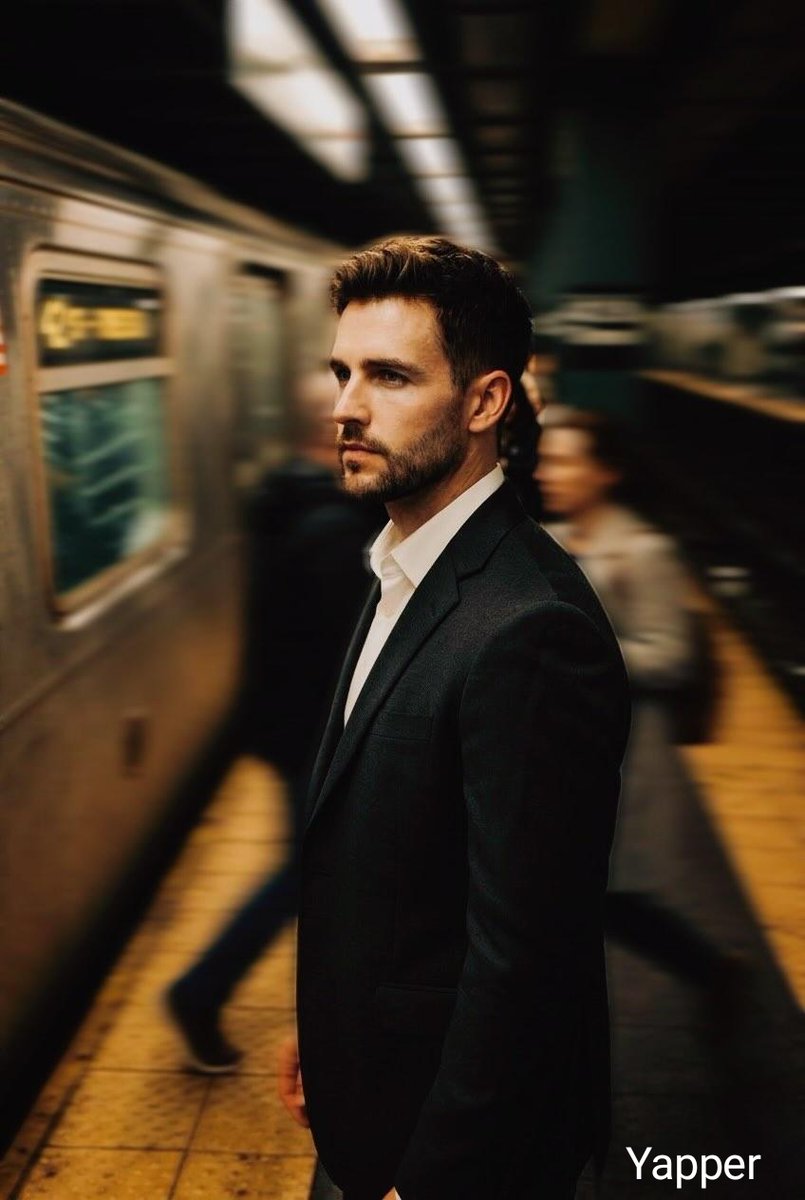
Seamlessly replace backgrounds with studio sets or outdoor scenery with natural edge blending.
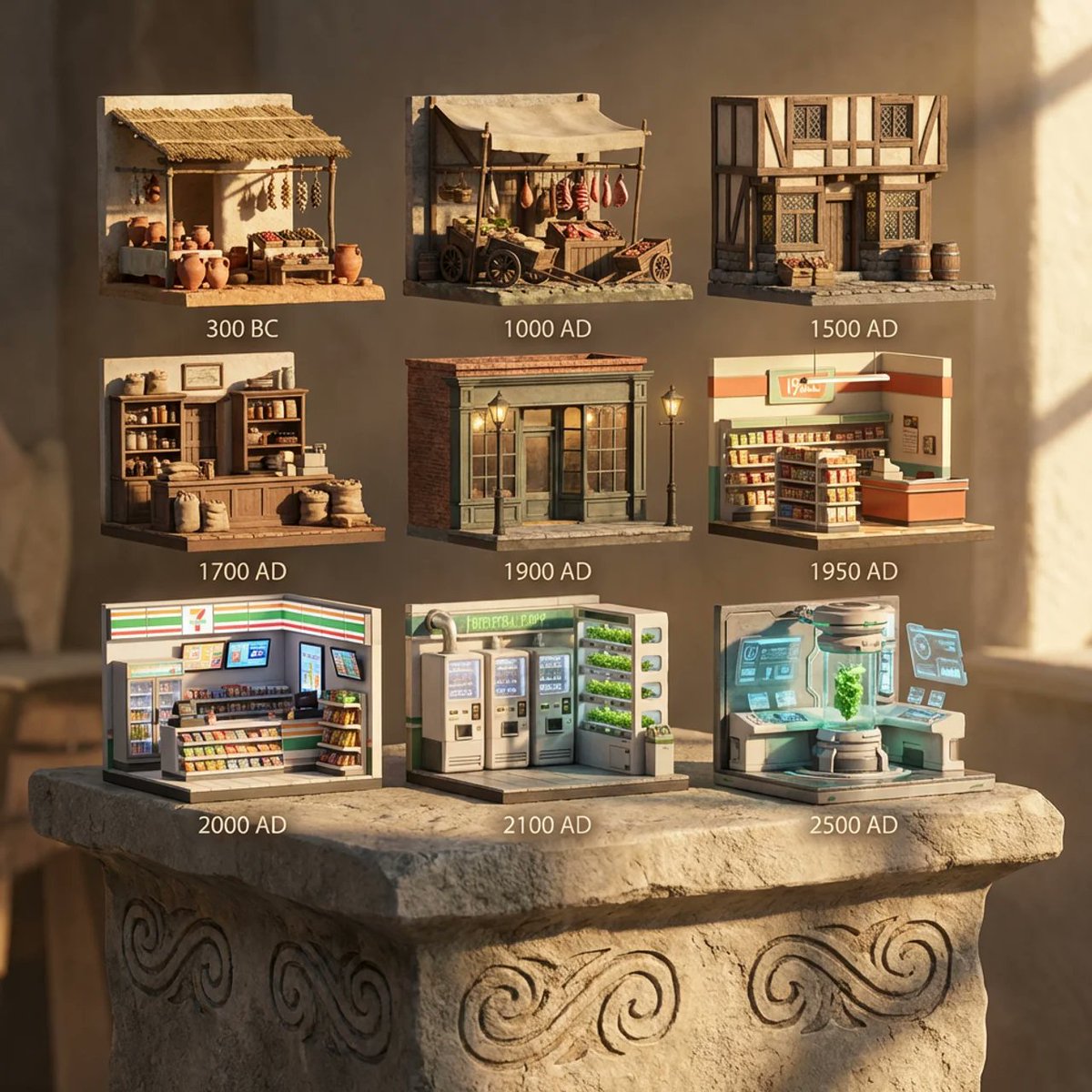
Run parallel batch image creation tasks and explore diverse aspect ratios with high-throughput cloud queues.
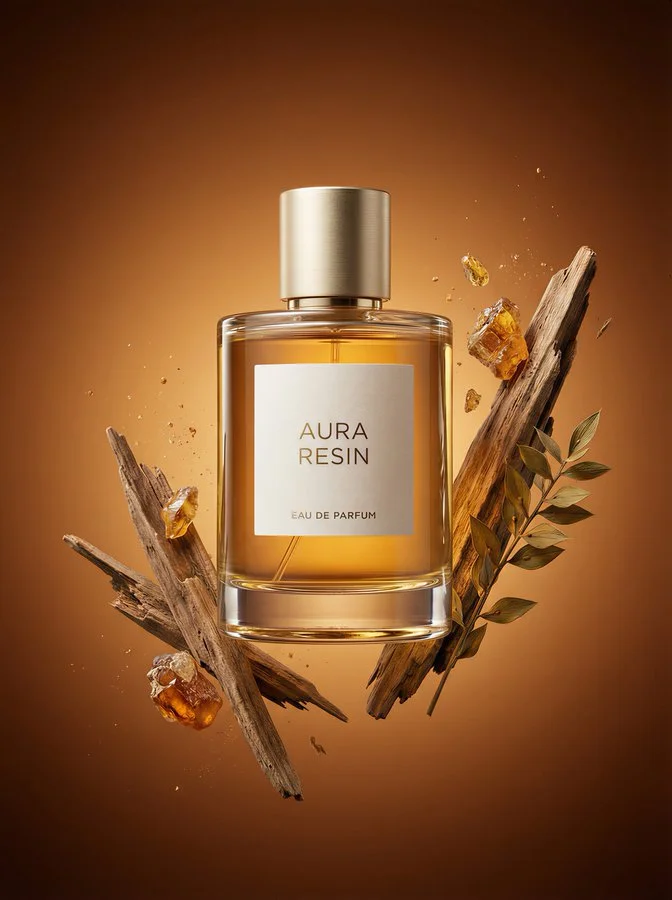
Transform casual product shots into polished studio-grade commercial catalog photos in seconds.
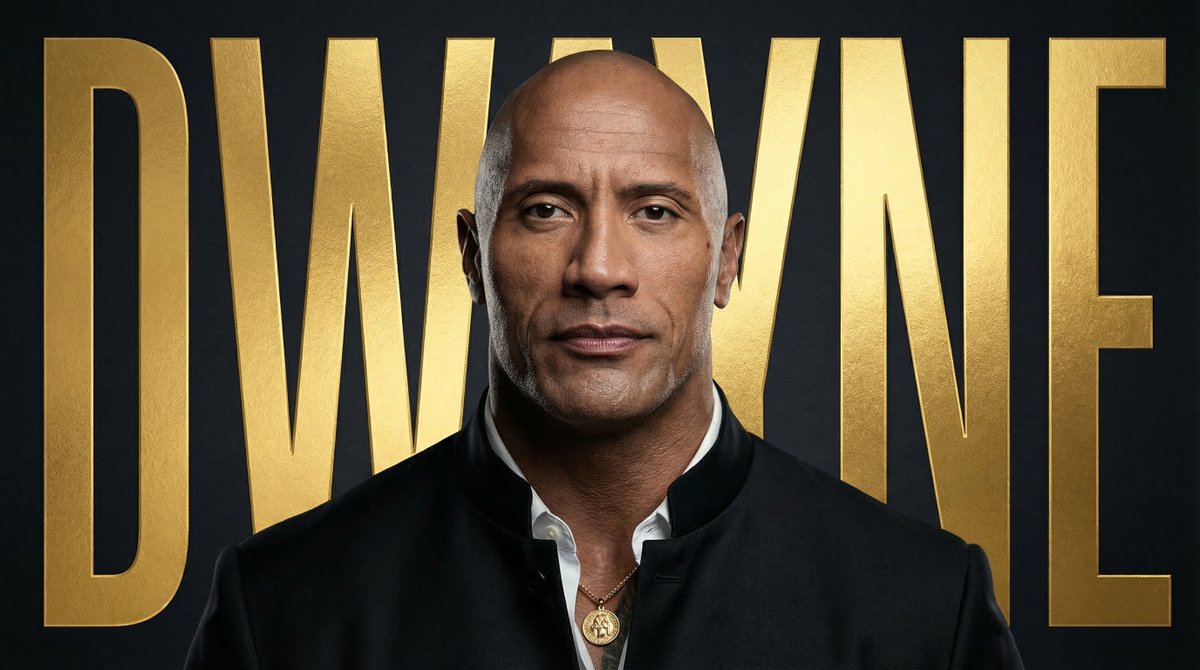
Design aesthetic campaign posters and social media graphics with sharp, legible in-image typography.
Choose a monthly credit allowance for image creation. Compare prices and concurrency, then open the model benefits if you need more detail.
Starter
Private creation with commercial rights
Billed $214.80/year. Auto-renews, cancel anytime.
GPT Image 2 and Nano Banana 2: Basic applies to 1K only. 2K / 4K use credits with your plan discount.
Pro
MOST POPULARMost Popular - Full commercial rights
Billed $358.80/year. Auto-renews, cancel anytime.
GPT Image 2 and Nano Banana 2: Basic applies to 1K only. 2K / 4K use credits with your plan discount.
Max
High-volume creation with priority support
Billed $838.80/year. Auto-renews, cancel anytime.
GPT Image 2 and Nano Banana 2: Basic applies to 1K only. 2K / 4K use credits with your plan discount.
Plan the subject, lighting and composition before generating. Change one instruction at a time so you can compare versions and keep the details that matter.
Try compositions, social visuals and concept drafts with Nano Banana 2 Lite. Start from a prompt or image, compare variations and refine the version you want to keep.