


Identity
Formalwear, same child
Describe the finished composition in your brief: the main subject, light source, setting and intended visual style.
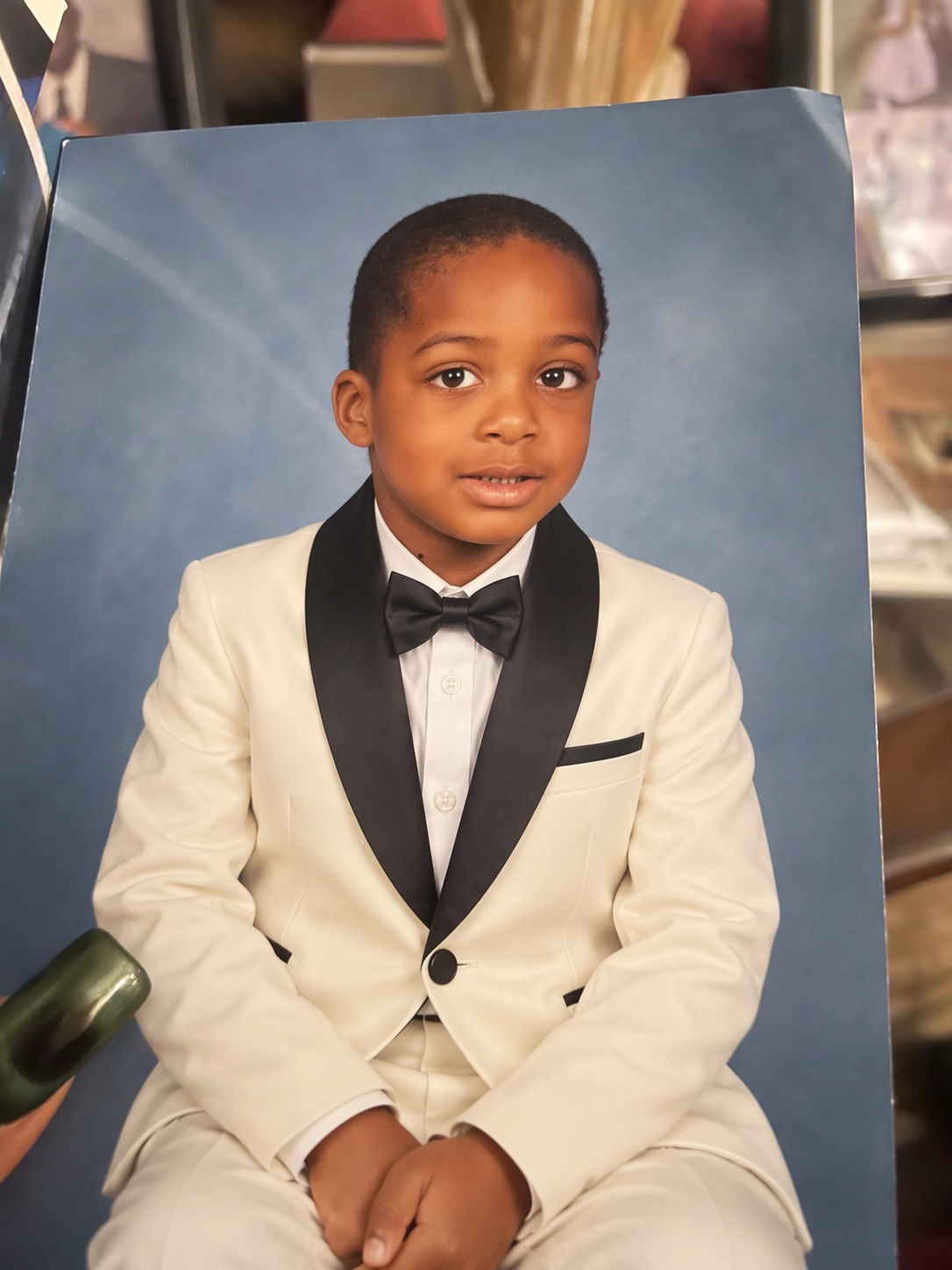 ReferenceEdited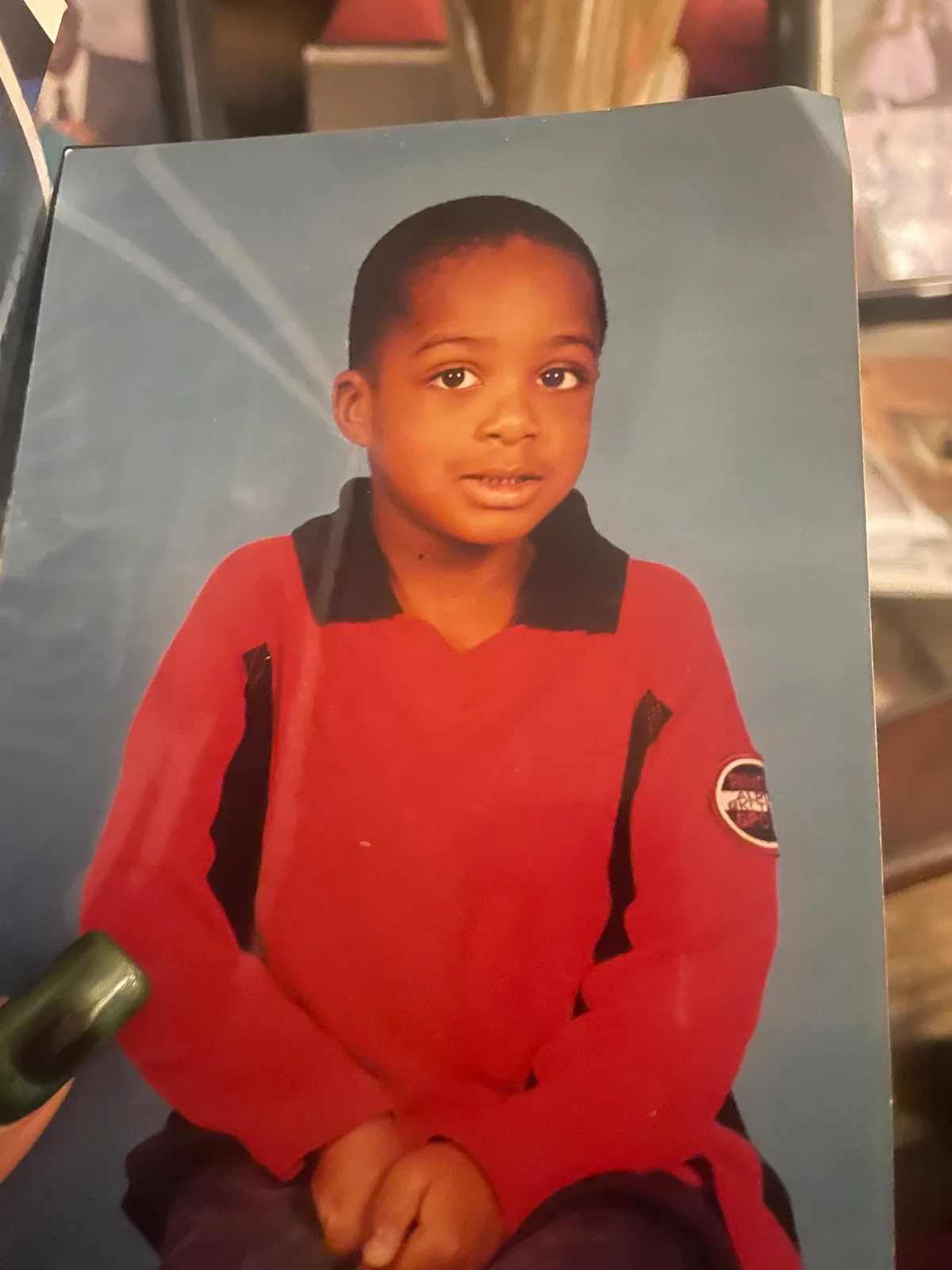
Turn a written brief into a visual direction with GPT Image 2.5. Explore poster layouts, product scenes and photo edits, with image settings available before you submit.
These examples are starting points, not promised outcomes. Bring your own subject and references, describe the change clearly and review the result before using it.
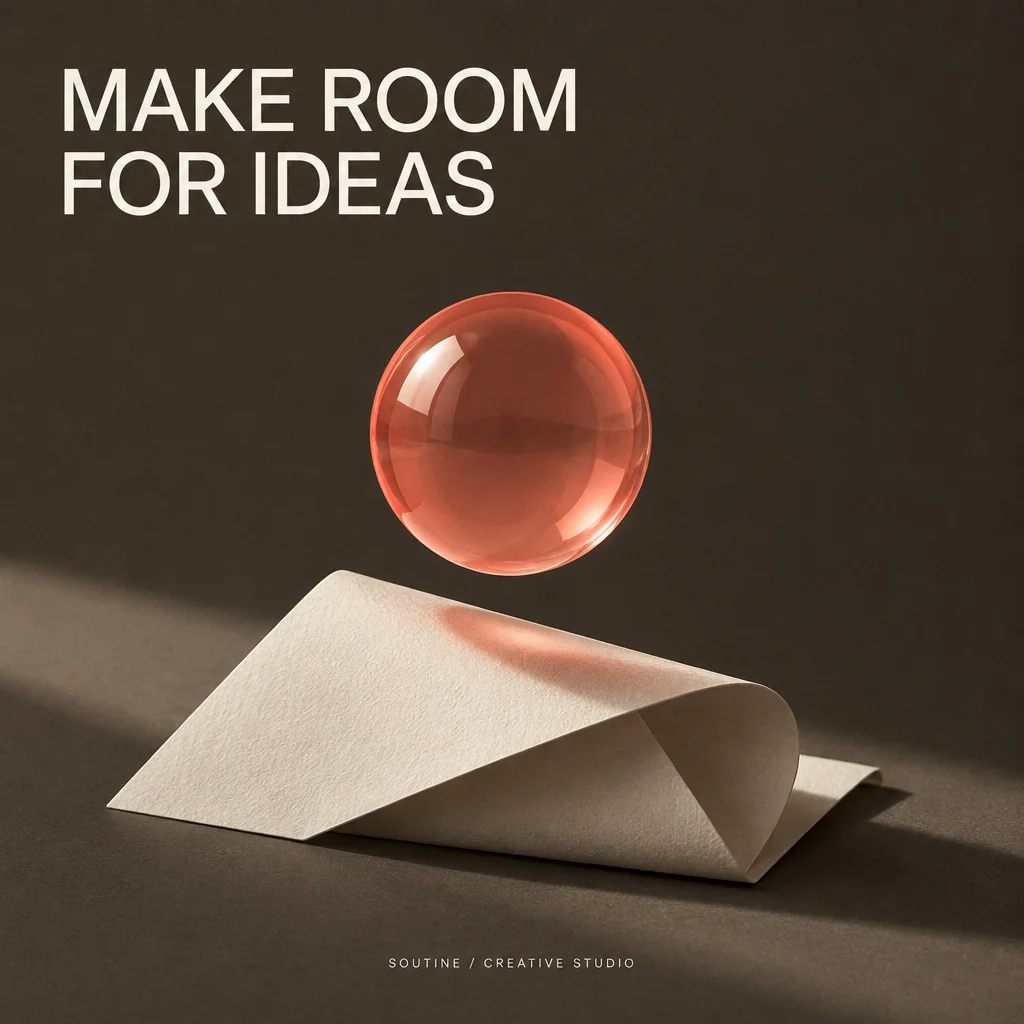 Input
Input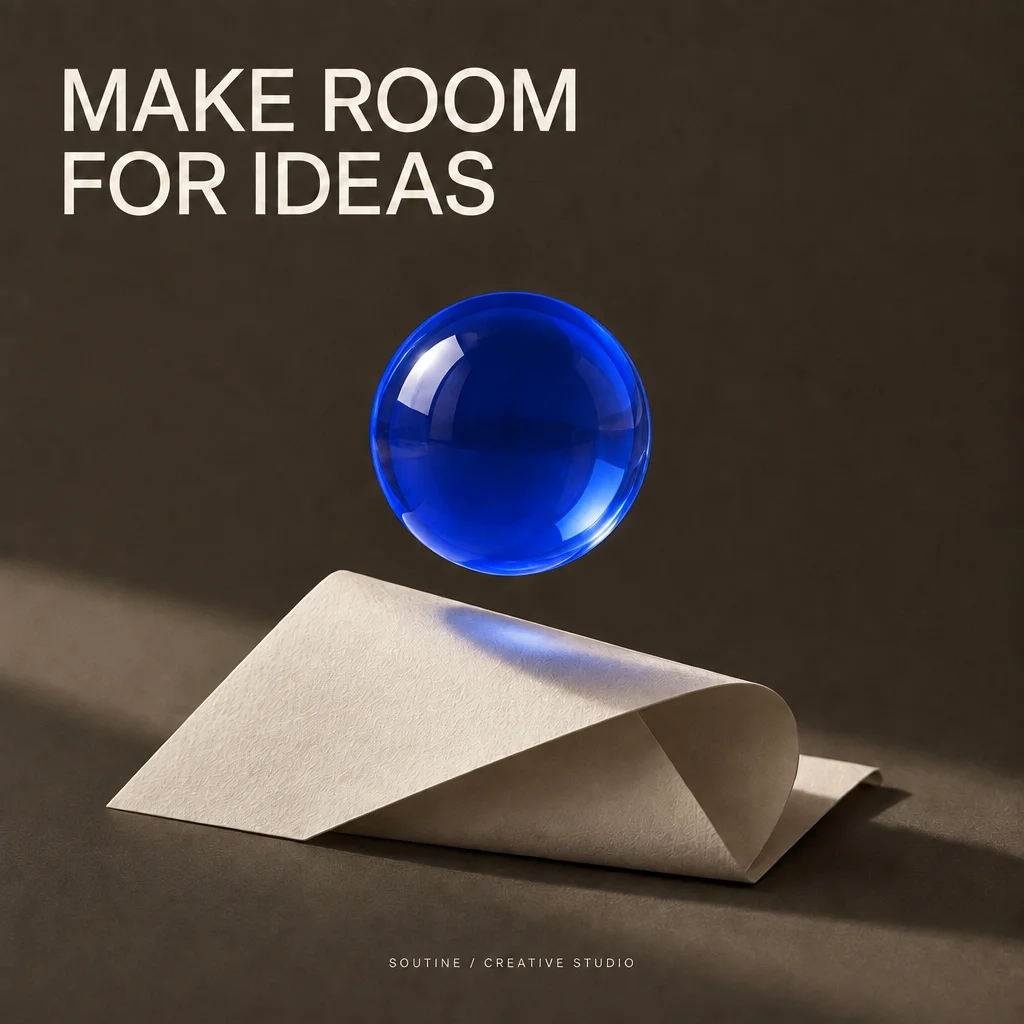 Result
Starting from the Flare poster, change the coral glass sphere to cobalt blue while keeping the typography and lighting.
Change only the coral glass sphere to cobalt blue glass. Keep the headline, footer, paper sculpture, lighting, camera, composition, and every other detail unchanged.
These examples are starting points, not promised outcomes. Bring your own subject and references, describe the change clearly and review the result before using it.
Describe the finished composition in your brief: the main subject, light source, setting and intended visual style.
ReferenceEditedUse reference photos for edits and specify the details to keep. Review the result for changes outside your requested area.
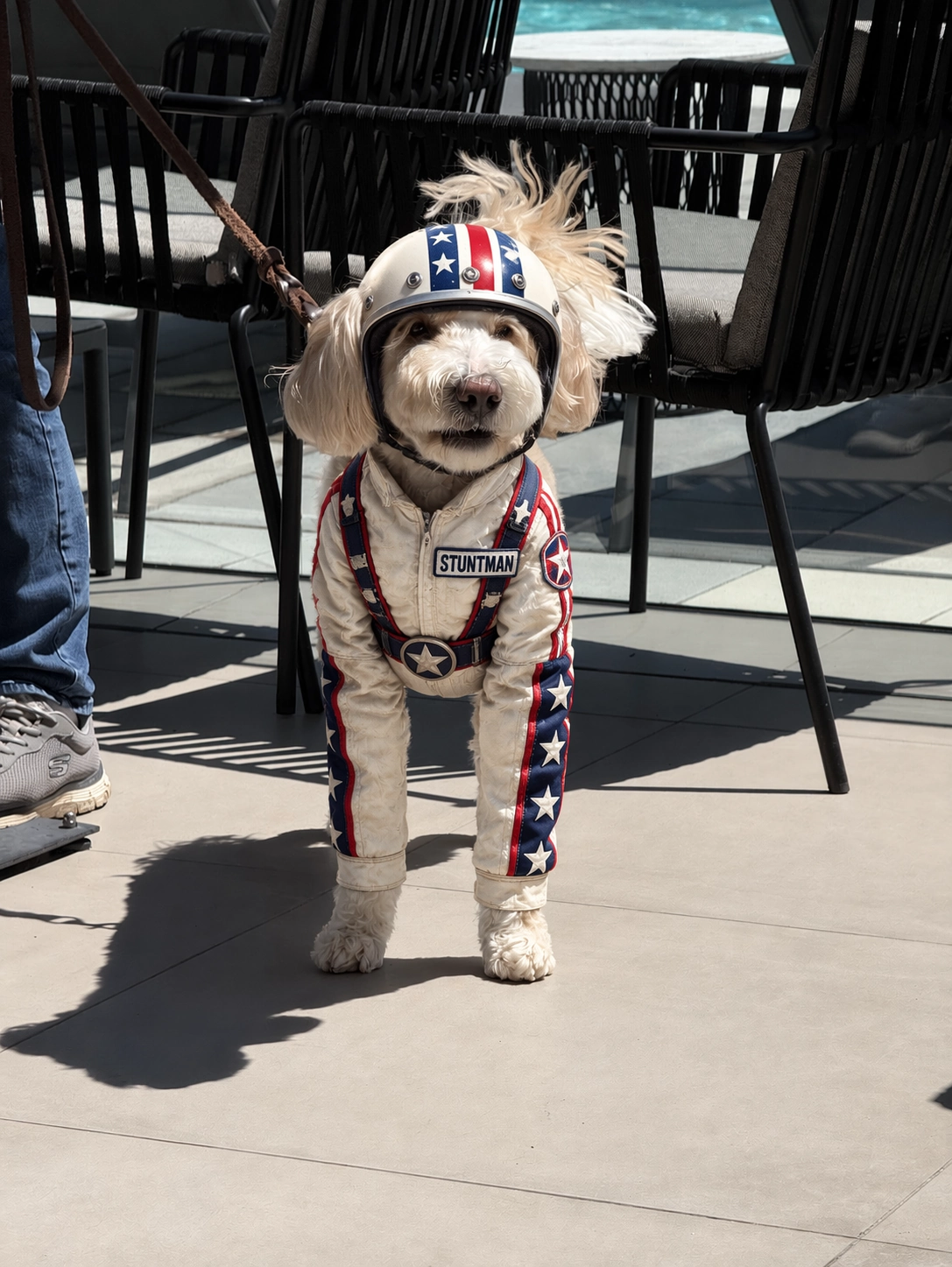 ReferenceEdited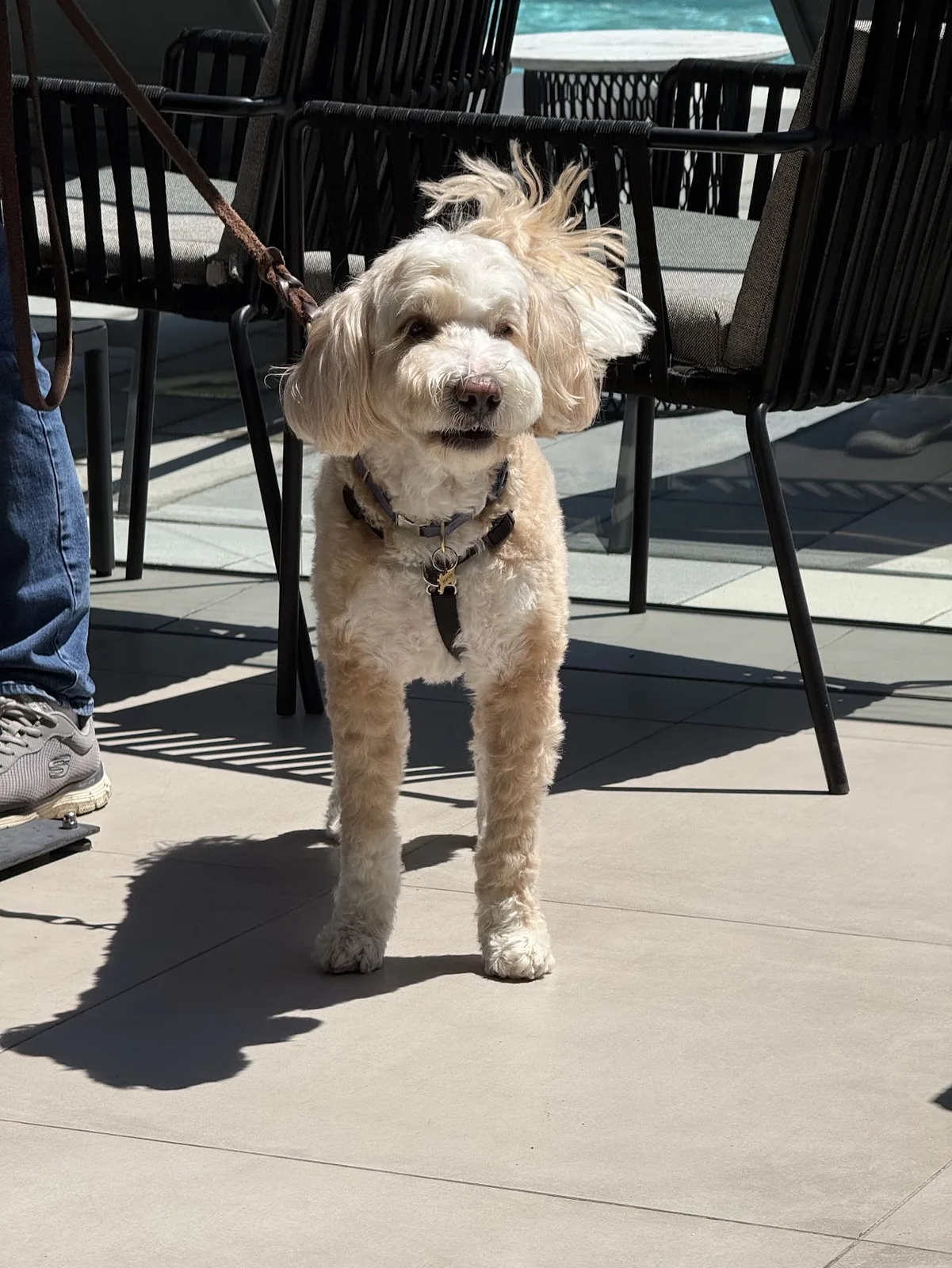
Choose output settings to suit the asset. When requesting a transparent background, download the original PNG and inspect its edges.
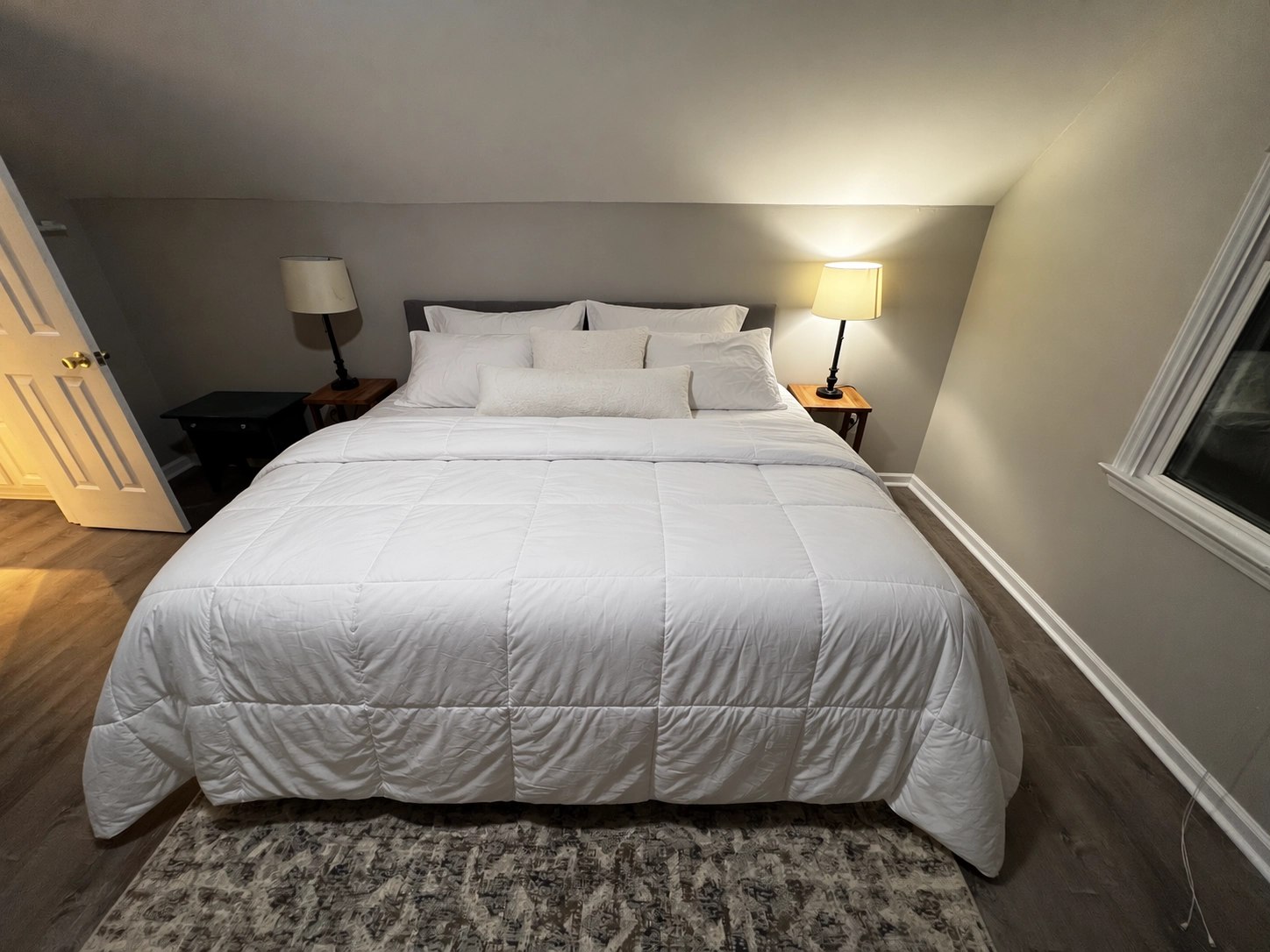 ReferenceEdited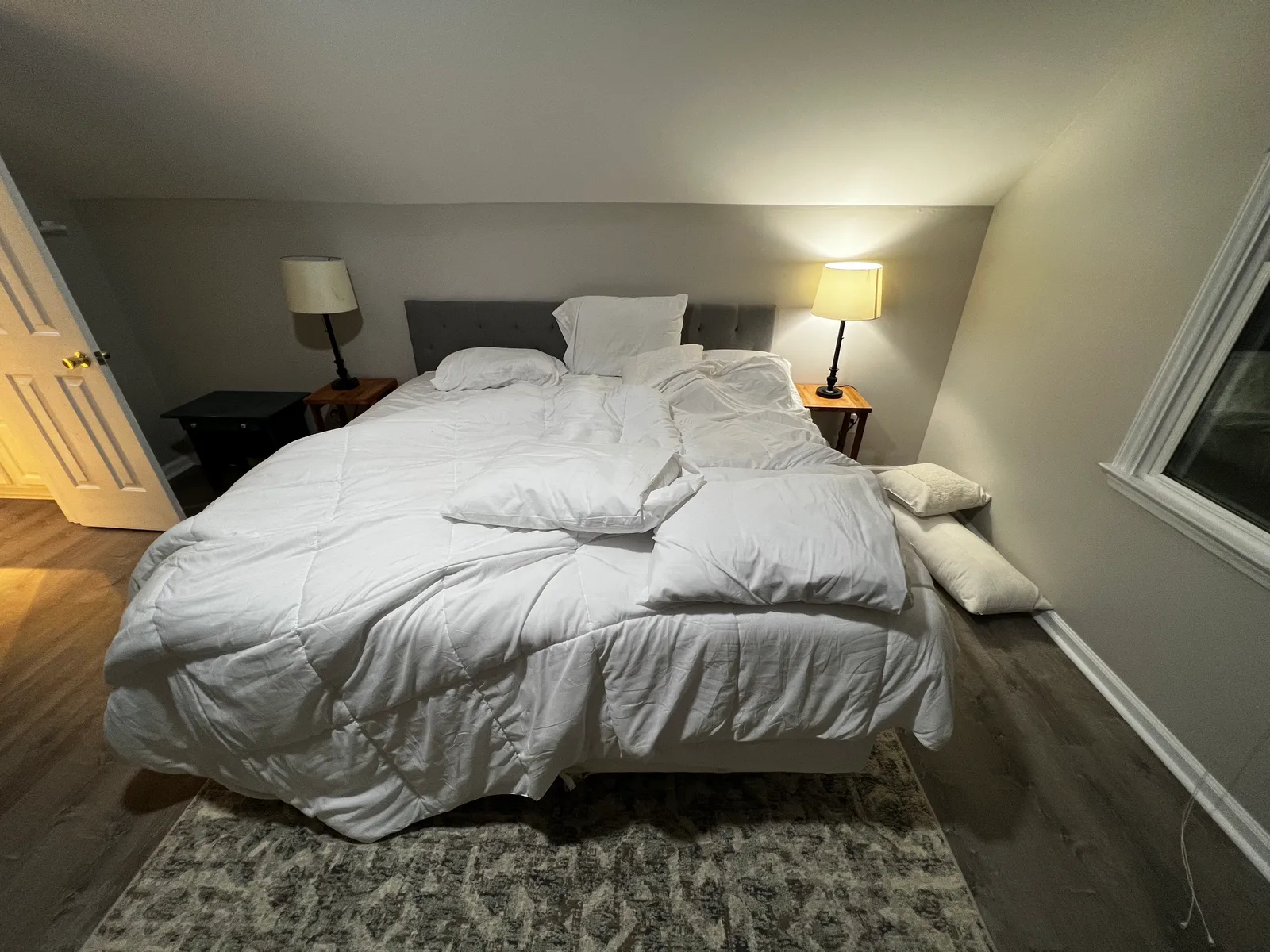
Plan the subject, lighting and composition before generating. Change one instruction at a time so you can compare versions and keep the details that matter.
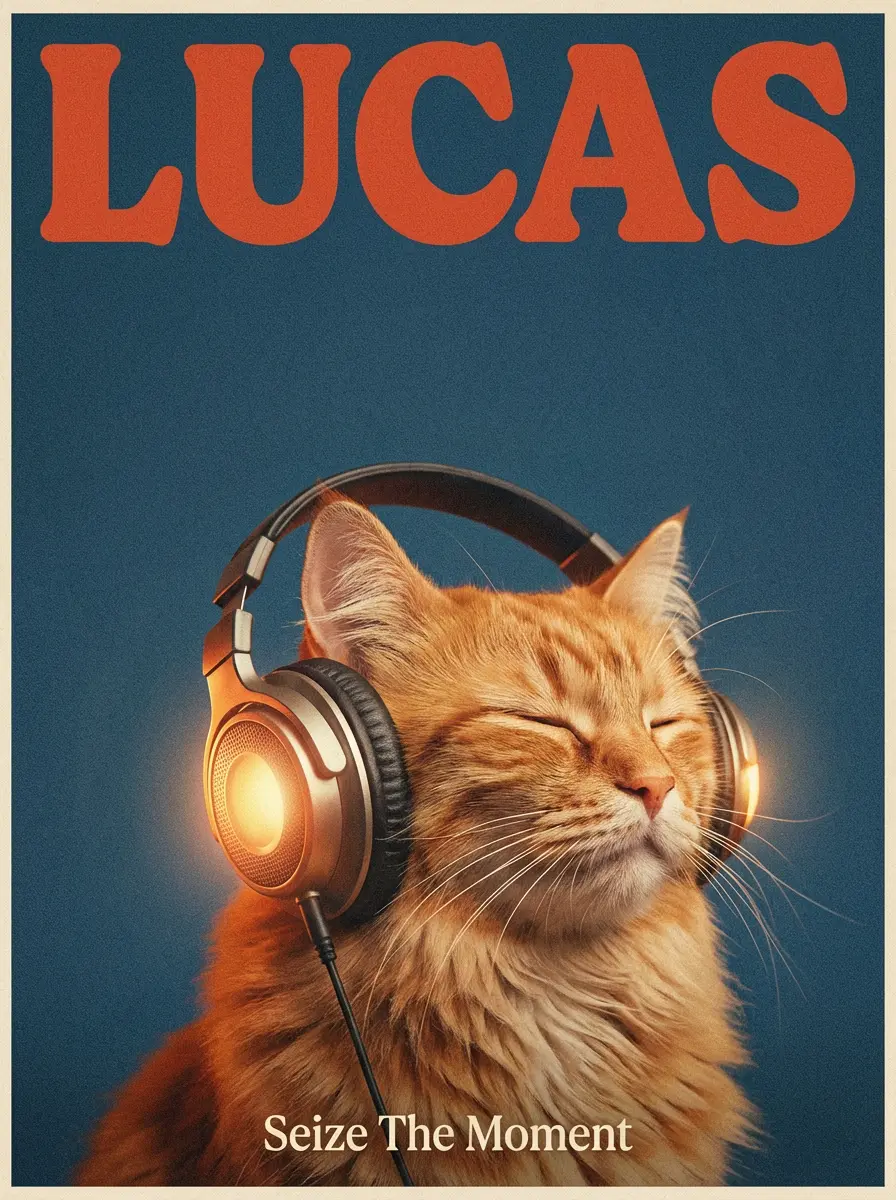 Text to image
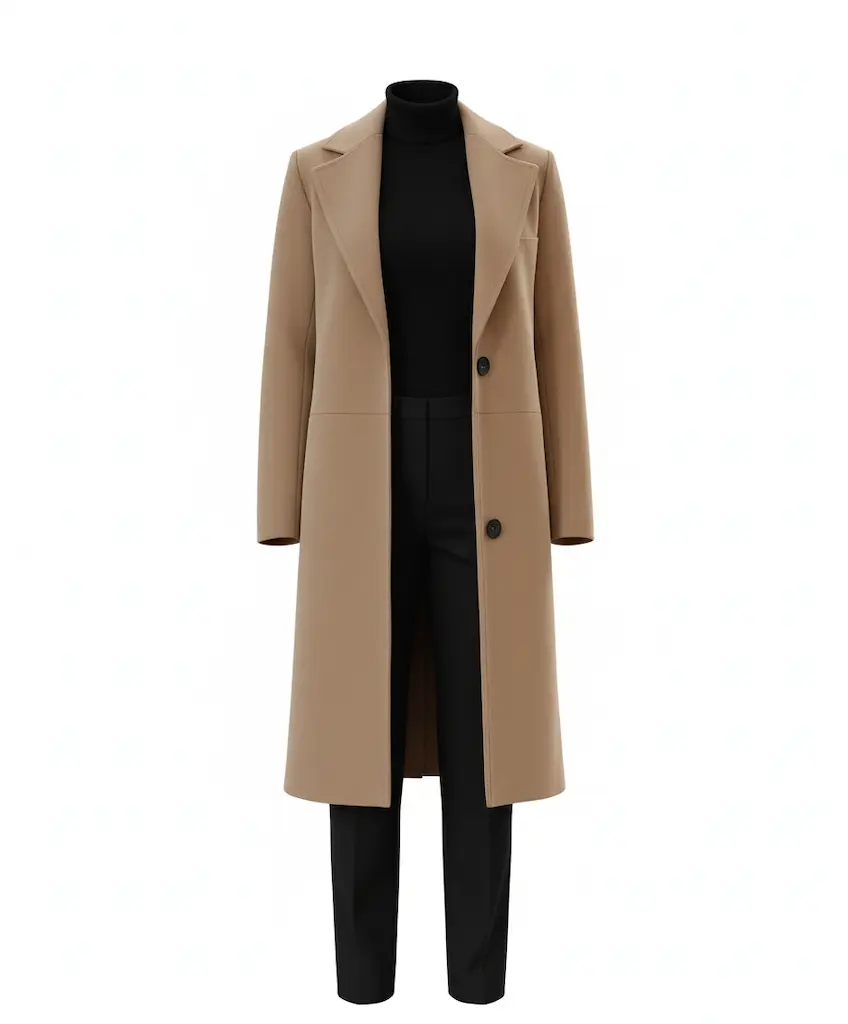 Image to image
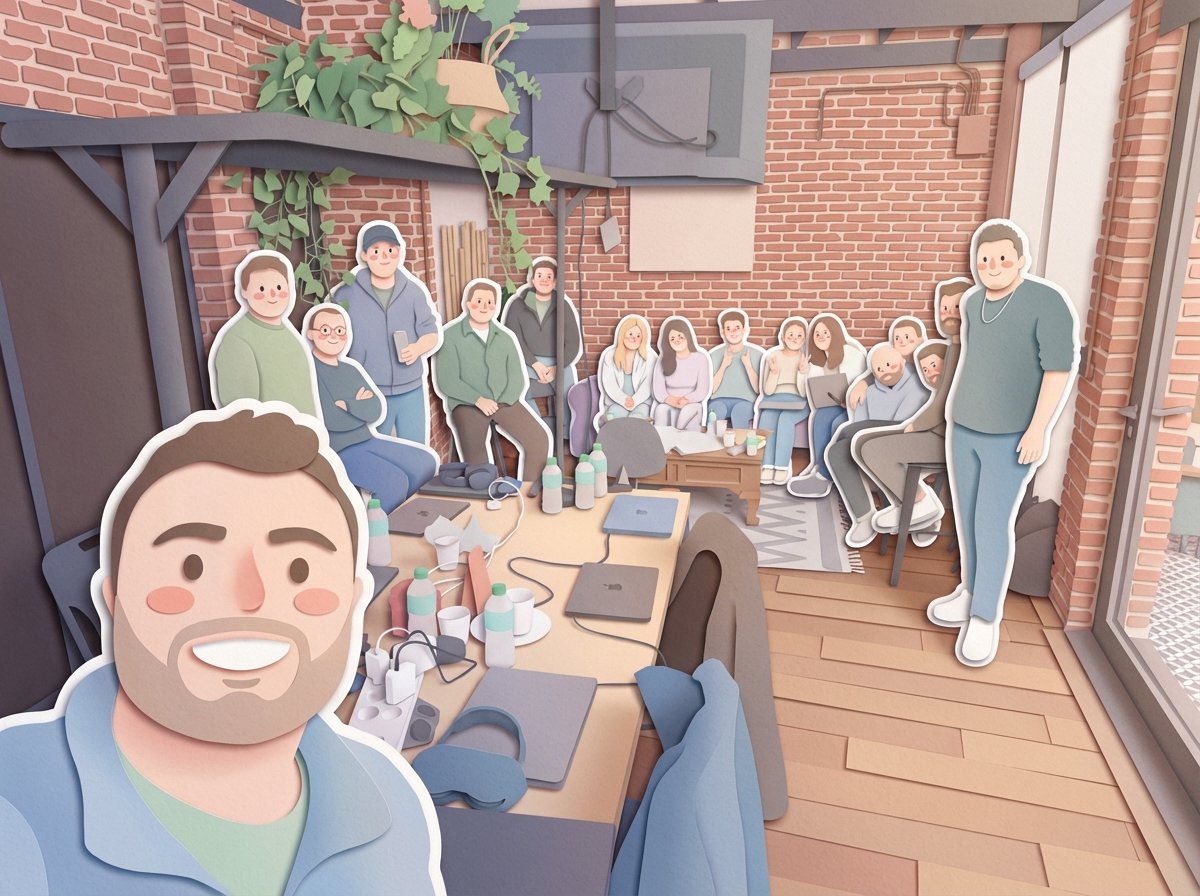 Image to image
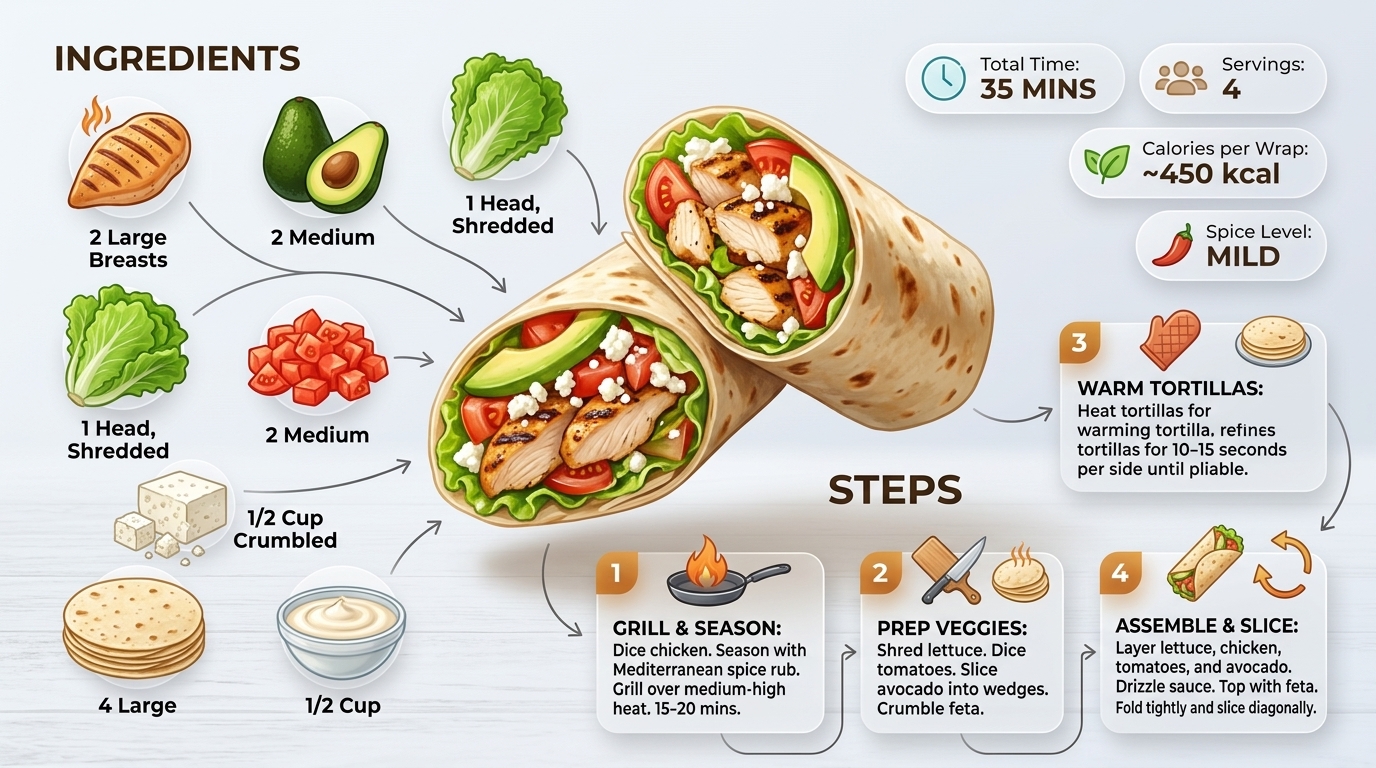 Text to image
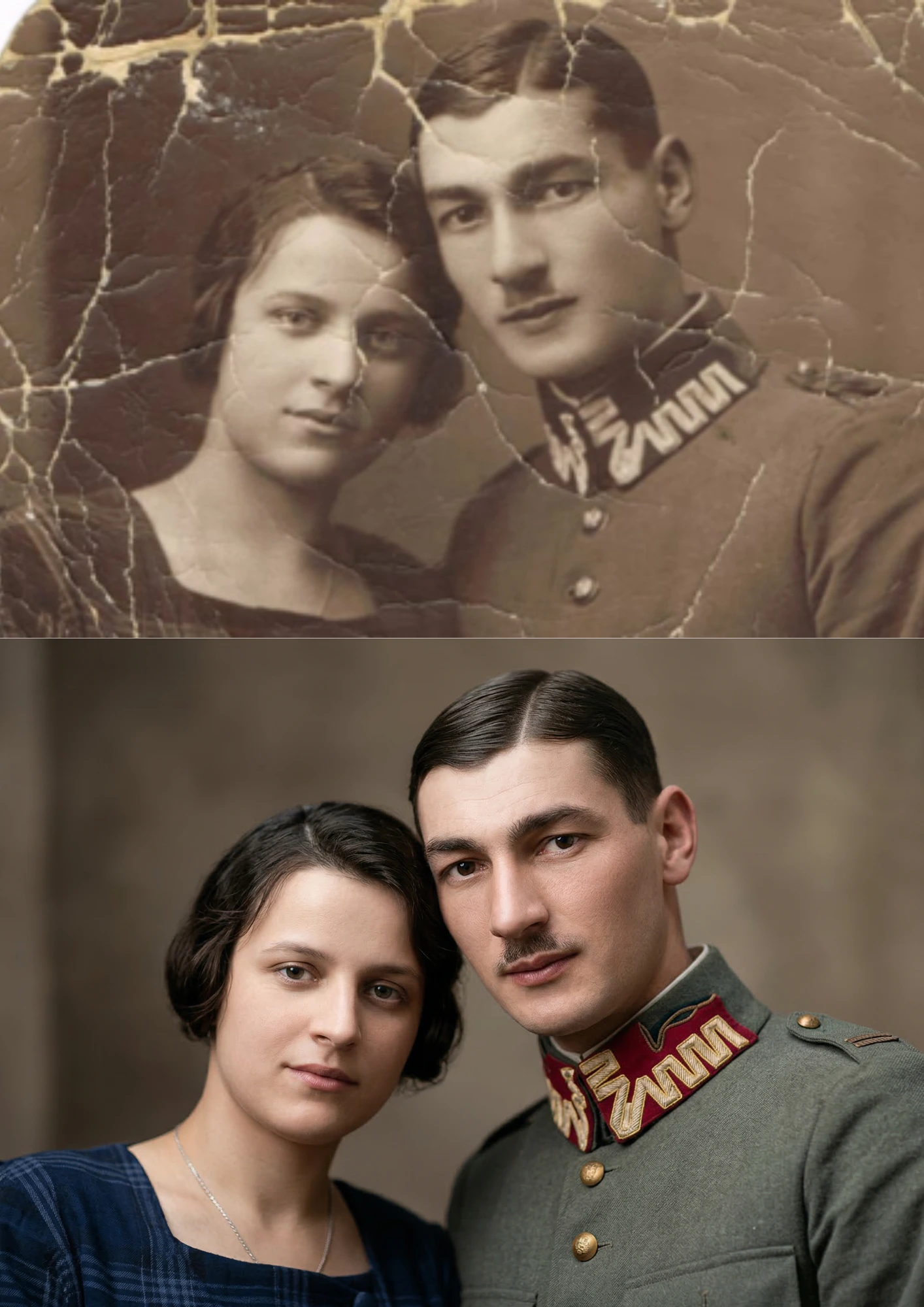 Image to image
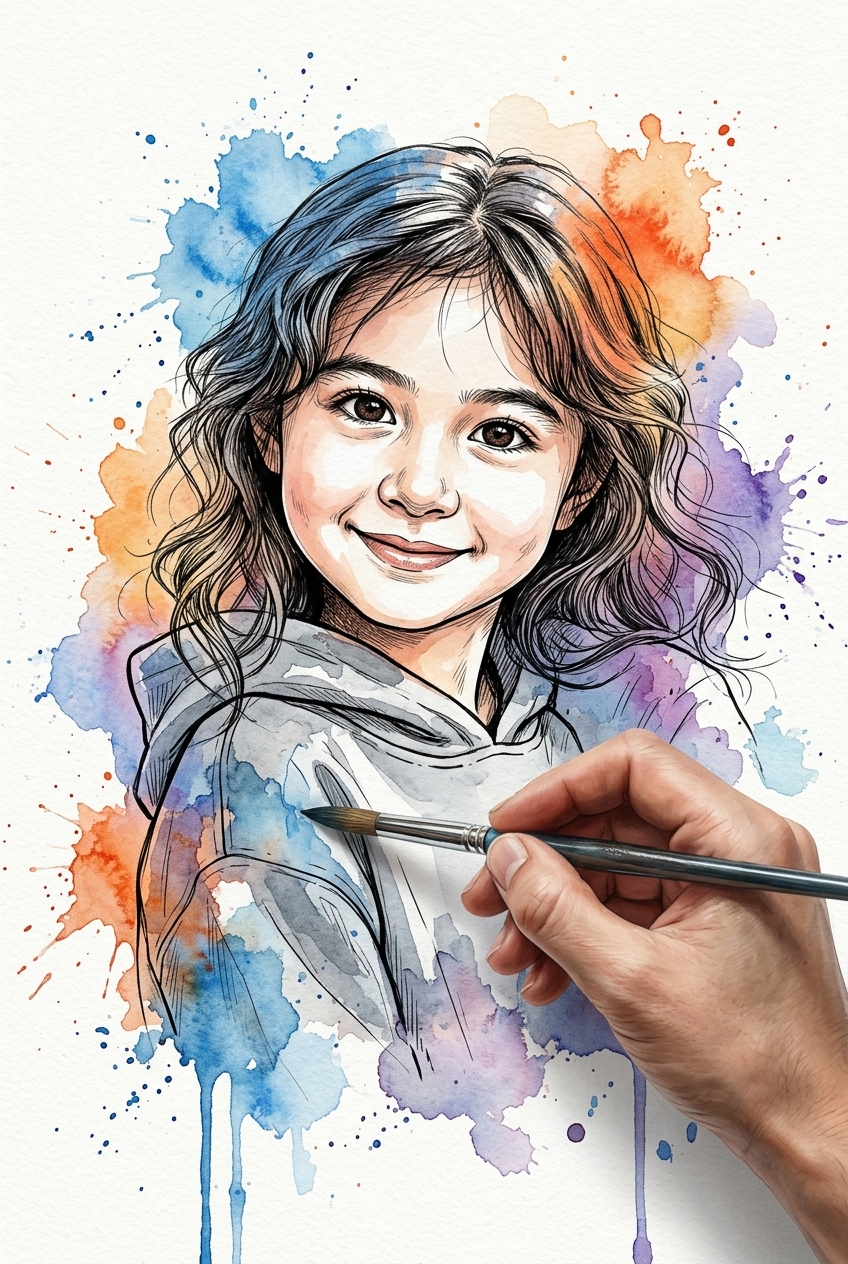 Image to image
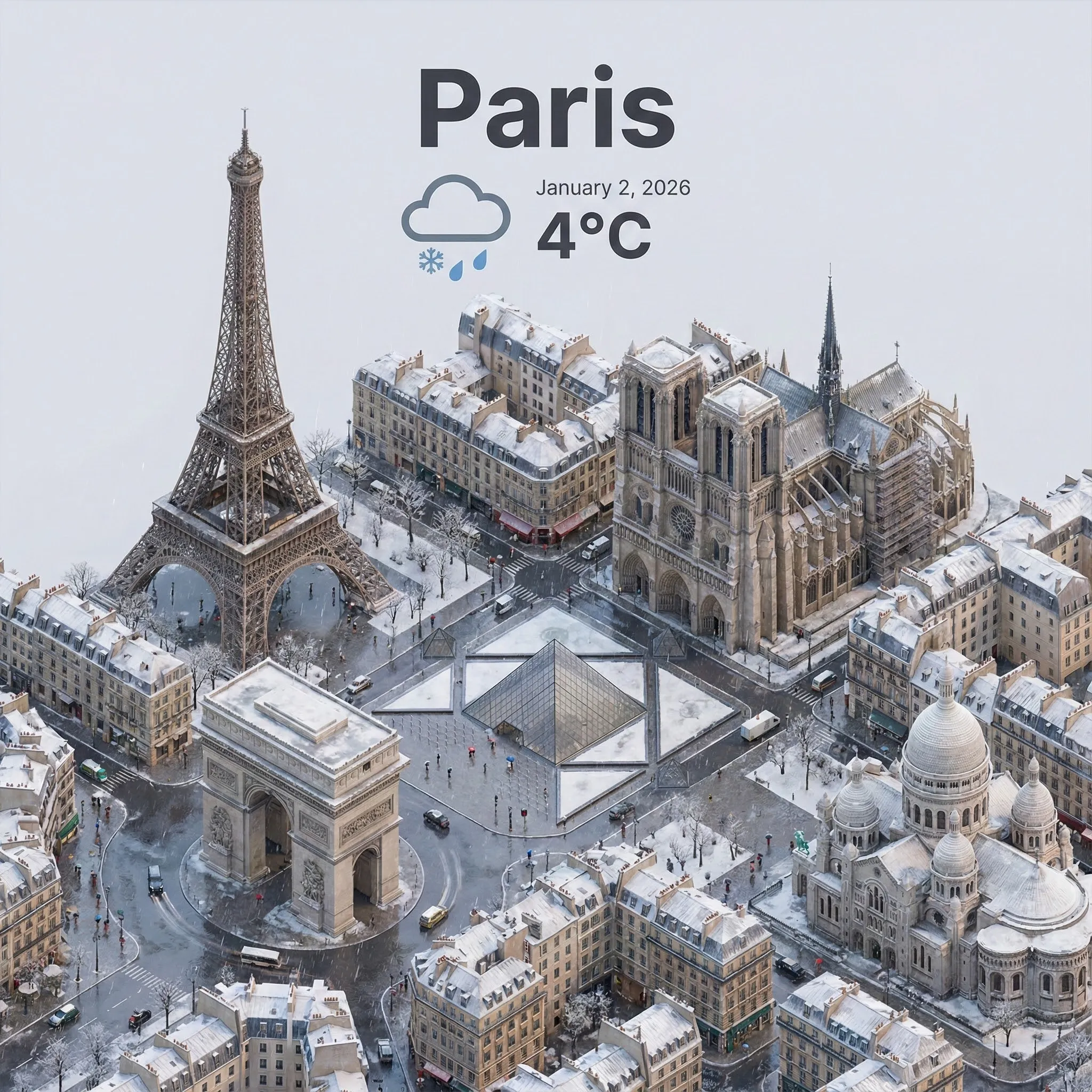 Text to image
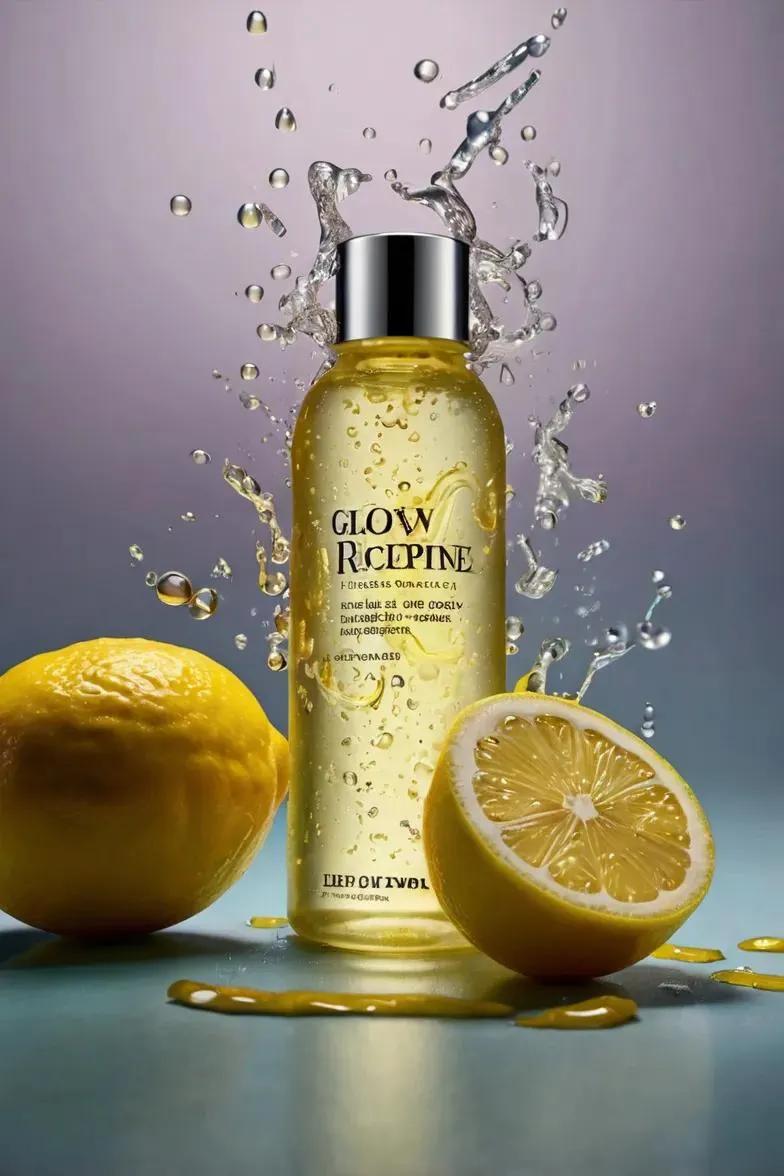 Text to image
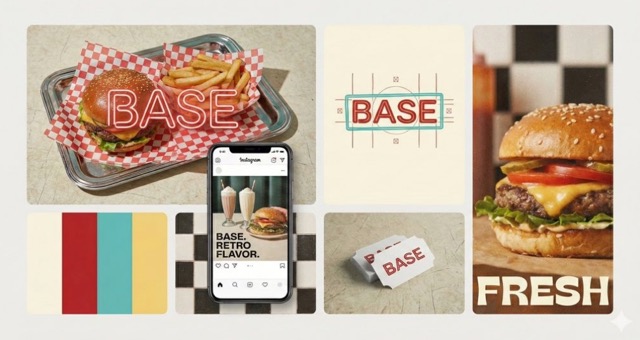 Text to image
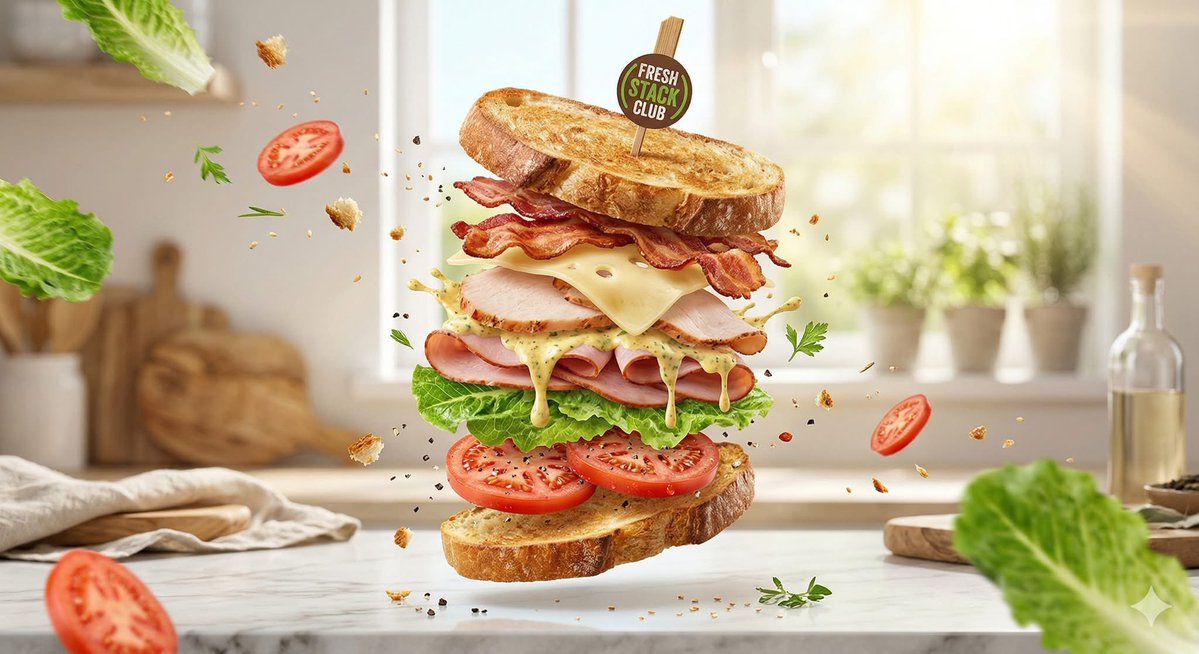 Text to image
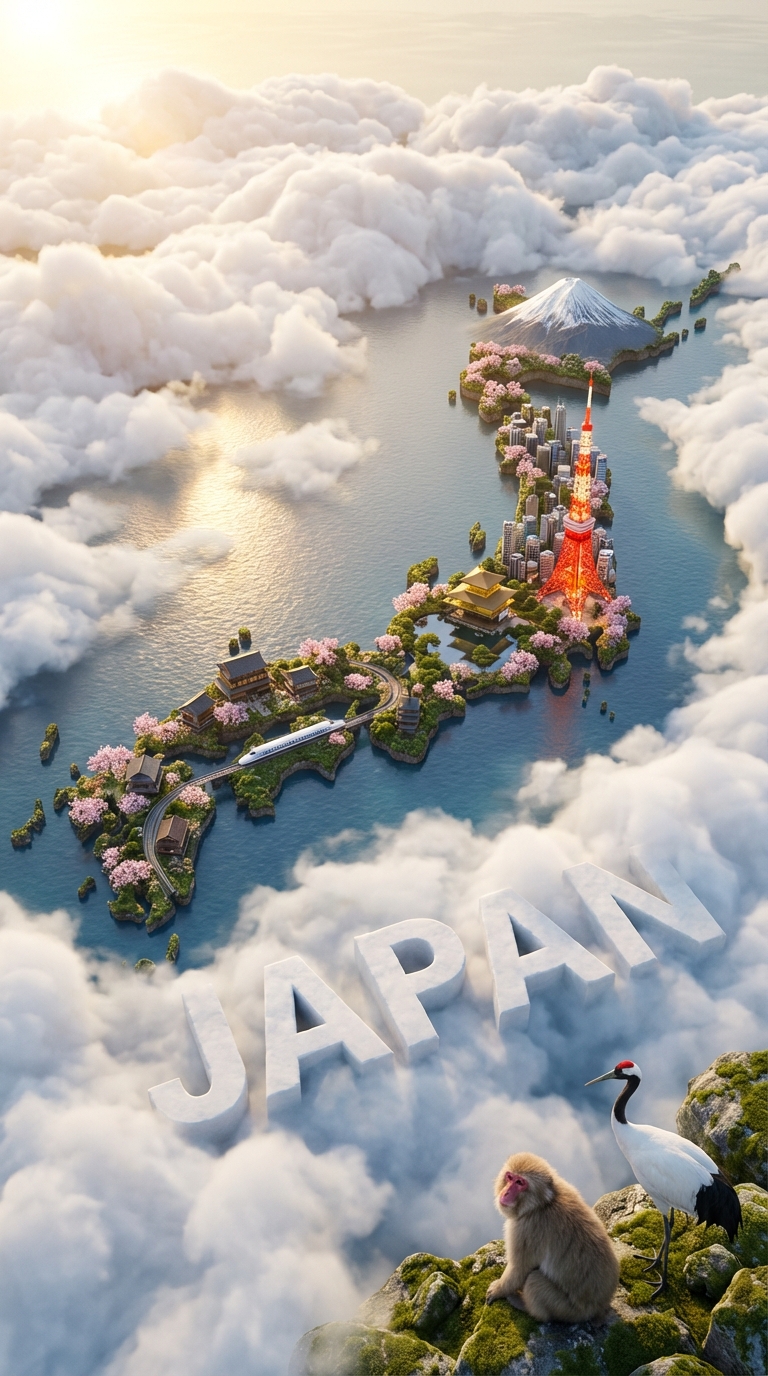 Text to image
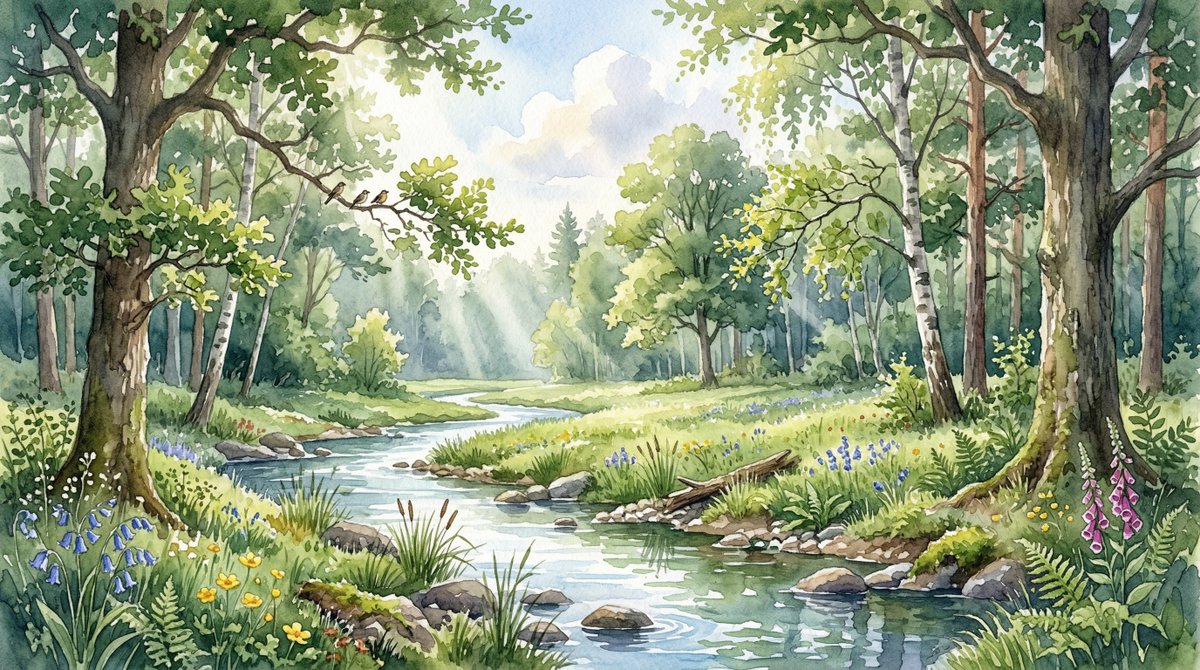 Text to image
 Text to image
 Image to image
 Text to image
Describe the finished composition in your brief: the main subject, light source, setting and intended visual style.
Use reference photos for edits and specify the details to keep. Review the result for changes outside your requested area.
Try simple product or portrait scenes before adding more visual instructions. This makes revisions easier to compare.
Both models share Nano Banana 21 workspace features—text and reference photo editing, 5 fixed standard aspect ratios, and transparent PNG exports—with distinct optimizations for turnaround speed versus dense detail.
Test in generator above| Workflow & Capability | GPT Image 2.5 Flare | GPT Image 2.5 Sunburst |
|---|---|---|
| Primary Creative Focus | ✓ | High-precision typography, micro-labels & intricate art |
| Turnaround & Generation Latency | ✓ | Extended generation time for dense detail passes |
| Native Transparent Background (PNG) | ✓ | Supported in PNG |
| Reference Photo Editing (Up to 4 images) | ✓ | Supported with high detail adherence |
| Standard Aspect Ratios (1:1, 4:3, 3:4, 16:9, 9:16) | ✓ | Same 5 fixed standard aspect ratios |
| Upfront Credit Estimation & Pricing | ✓ | Credits are estimated before generation based on the mode, quality, aspect ratio, and number of reference images, with applicable membership discounts. Each run generates one image. |
These examples are starting points, not promised outcomes. Bring your own subject and references, describe the change clearly and review the result before using it.
Start from a blank canvas with a descriptive prompt up to 1,000 characters, or upload up to 4 reference images to enter edit mode.
Choose opaque or transparent background, and set quality (low, medium, or high) to balance turnaround and detail level.
Choose 1:1, 4:3, 3:4, 16:9, or 9:16. Each run generates one image.
Your request is dispatched through the asynchronous fal queue with real-time status tracking.
Download the generated PNG, or upload it again for another edit.
Plan the subject, lighting and composition before generating. Change one instruction at a time so you can compare versions and keep the details that matter.
Experience fast Flare inference, precision Sunburst typography, and reference editing directly in the workspace.